Afinia H800 3D Printer User’s Manual
6
Overview
The Afinia H800 was designed specifically for educators and professionals looking for fast,
hassle-free 3D printing with exceptional quality. The Afinia H800 boasts a host of features, from
Smart Support, user-friendly software and automatic leveling, to paper-thin layer HD resolution
with a heated build platform. Everything about this printer is geared towards creating high
standard professional 3D models.
Print a working bearing in one design, make a part for a dishwasher or just unleash your creativity
and bring your designs to life with your new Afinia H800.
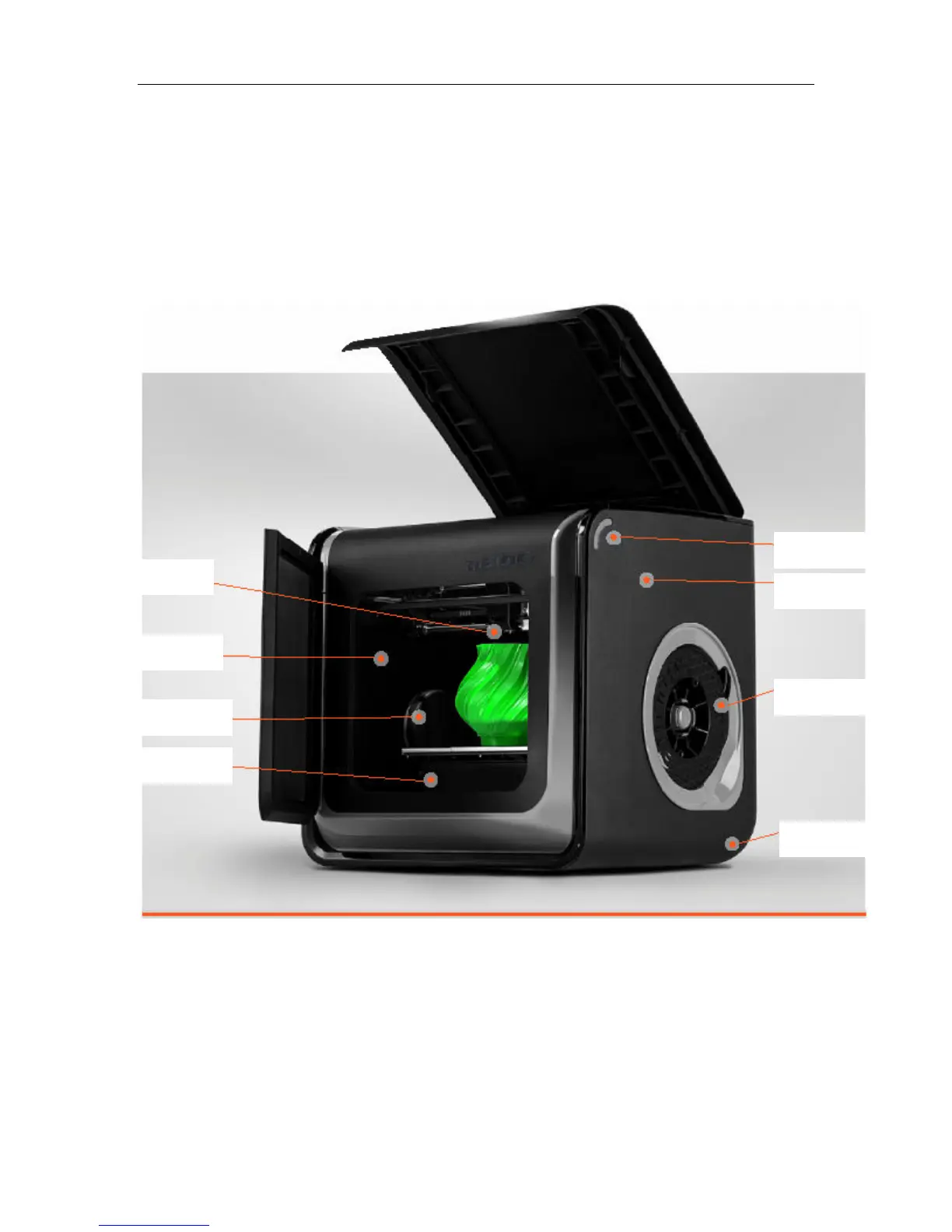
The Afinia 3D software sends the print data from a Mac or PC to the Printer over a single USB
cable. The Extruder delivers the Filament from the Spool into the Nozzle, which heats the filament
to printing temperature and deposits it on the Platform.


 To Next Page