L301 Label Printer
Setting up the Printer | 7
Touch Panel
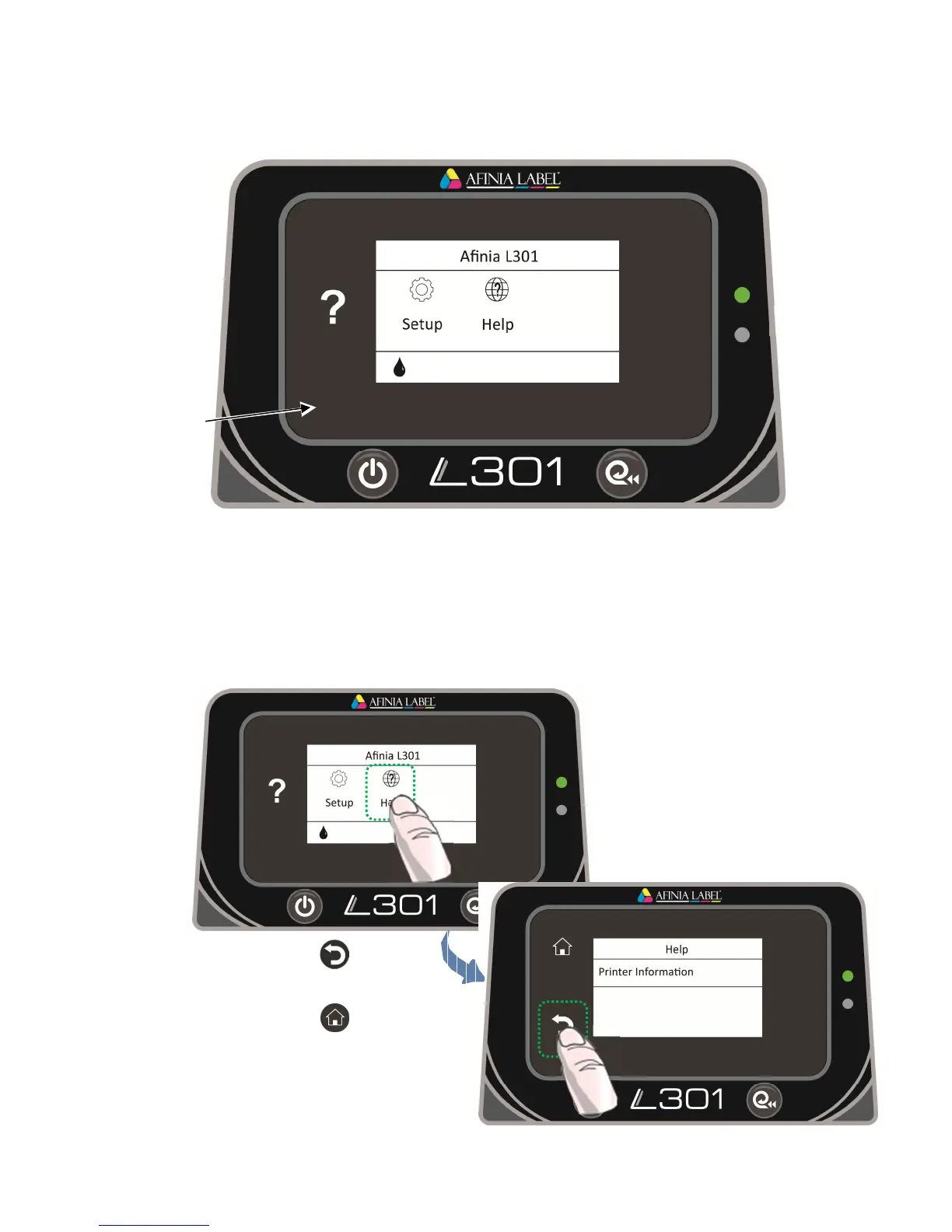
The Control Panel
The control panel includes the Power button, the Unload Media button, the two Status
LEDs, and the Touch Panel including various controls and functions. For example:
• Press Help on the Touch Panel.
• Press Printer Information to view the printer name, model, serial number, and
firmware version.
• Press to go back
one level, or
• Press to return to the
Home screen.
• Full list of touchpad
functions on page 15



 To Next Page