Afinia Label
8 | Setting up the Printer
Unpacking, Setup, and Installation
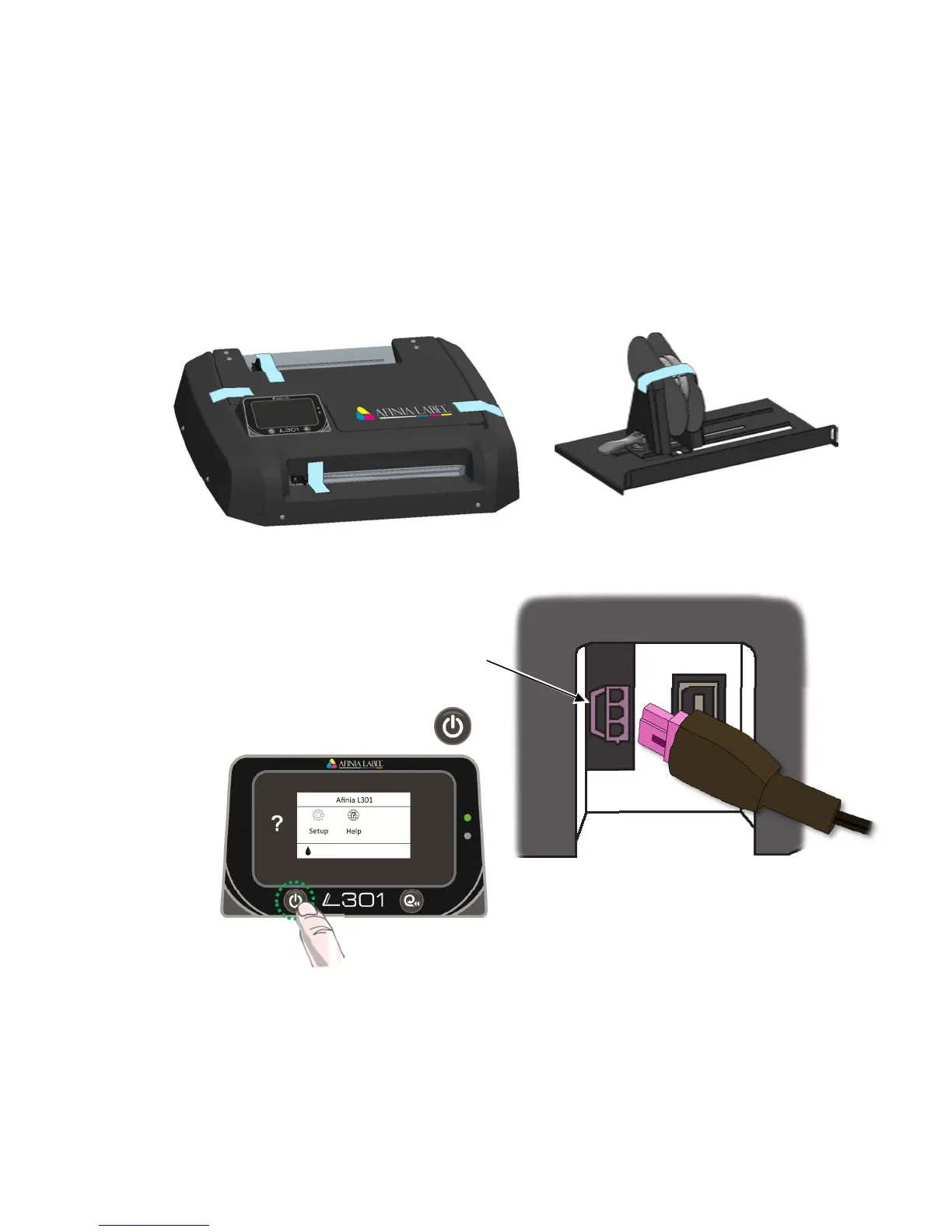
Remove Tape and Foam
• Lift Printer and foam endcaps from the box
• Remove the foam endcaps from the printer and unwinder
• Remove the packaging tape from the printer cover (x2), label guide (rear), and
cutter (front)
• Remove the packaging tape from the unwinder
Connect Power
the Printer
Rear of Printer, right side
on Control Panel



 To Next Page