07 08
Introduction
on PV system.
AF2500W-HB
DTU Link Com
Start
P+ P-
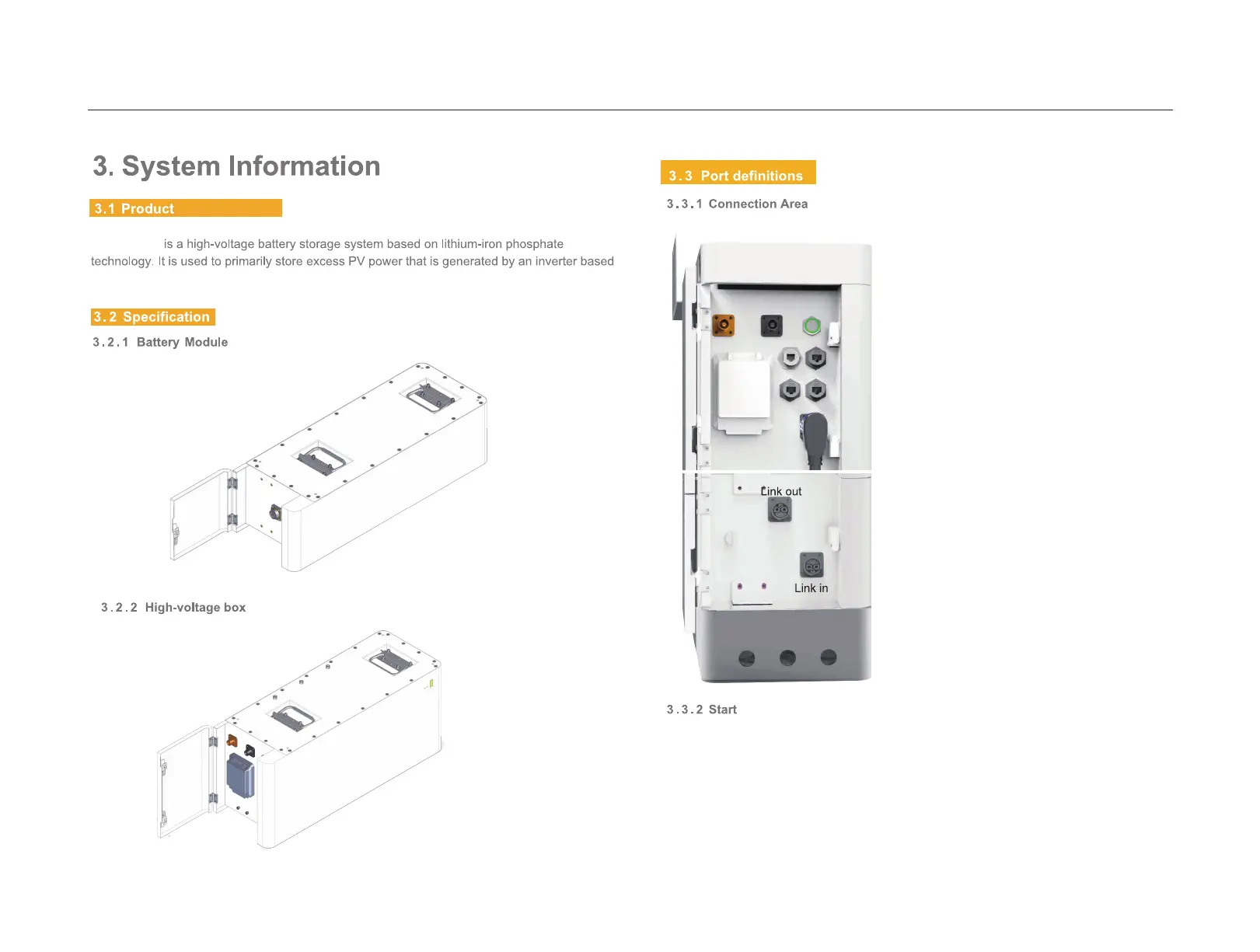
Link In Link Out
Switch On
First, open the air switch and long press the start button of the HV box (connected to the
inverter) for more than 5s. The "normal" LED indicator on the front panel will flash. L1 to L5
display battery SOC, and L6 displays battery status. The HV box equipped with the battery
management system will automatically code and assign an ID to each battery module, and
the battery will work normally. (First switch on the air switch, then press the weak current
button. After discharging and precharging the battery pack, the battery can work normally to
prevent surge current from damaging the inverter.)



 To Next Page