support@agasio.com Page | 33 713-893-4514
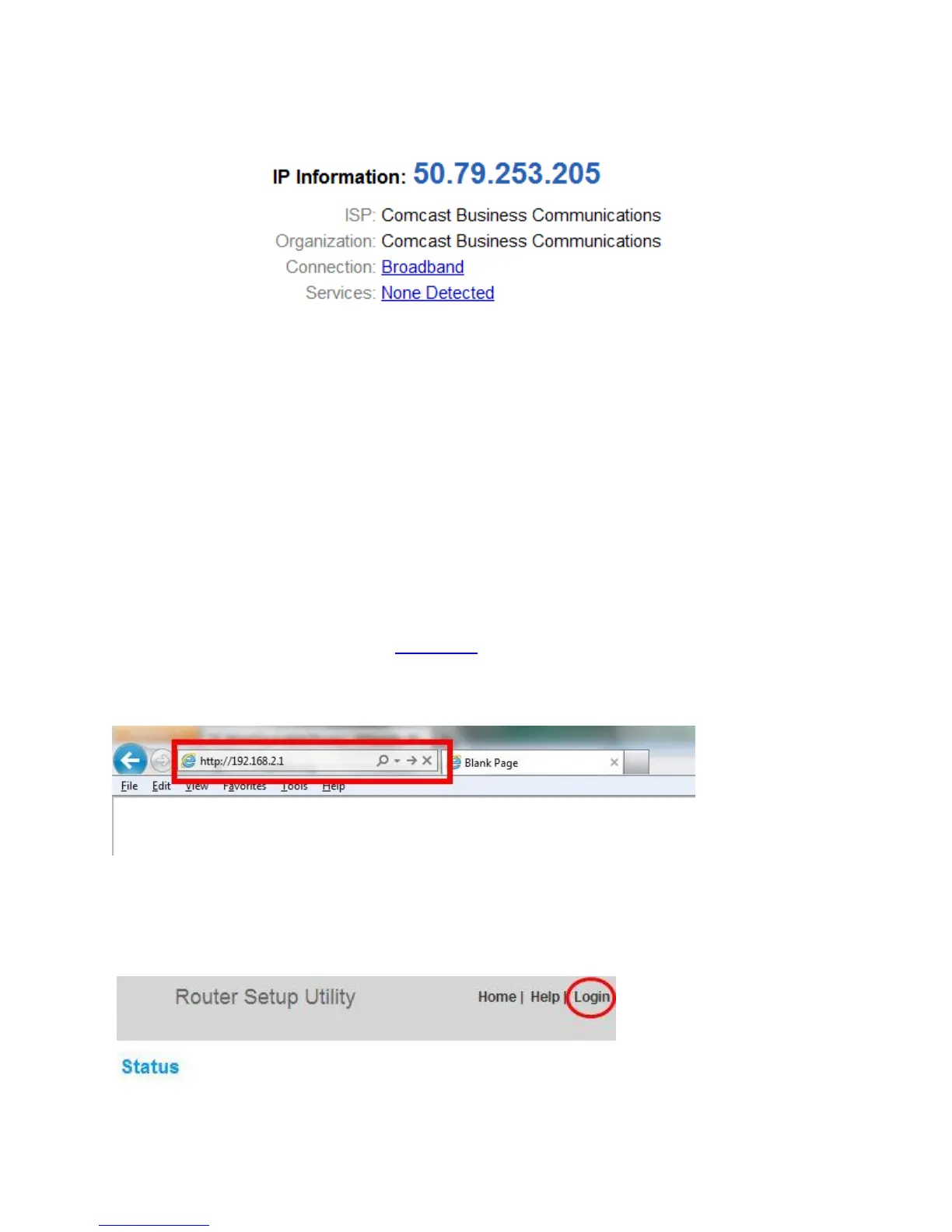
Figure 15.4 – An example of an external IP address. Use this along with your port number to
access the camera remotely on any browser or smartphone.
For example, we would type in our browser the following: “50.79.253.205:99” and push Enter. This
should take us to our camera. Remember to always add a colon and the port number after the external IP
address.
15.2 Belkin Routers
To begin, open a web browser and type "192.168.2.1" in the address bar and press Enter on your
keyboard.
1. Click on Login in the upper right hand corner of the page.


 To Next Page