support@agasio.com Page | 52 713-893-4514
21. Rebooting Your Camera
To reboot your camera within the camera itself, you can do so by hovering over “Device Settings,” and
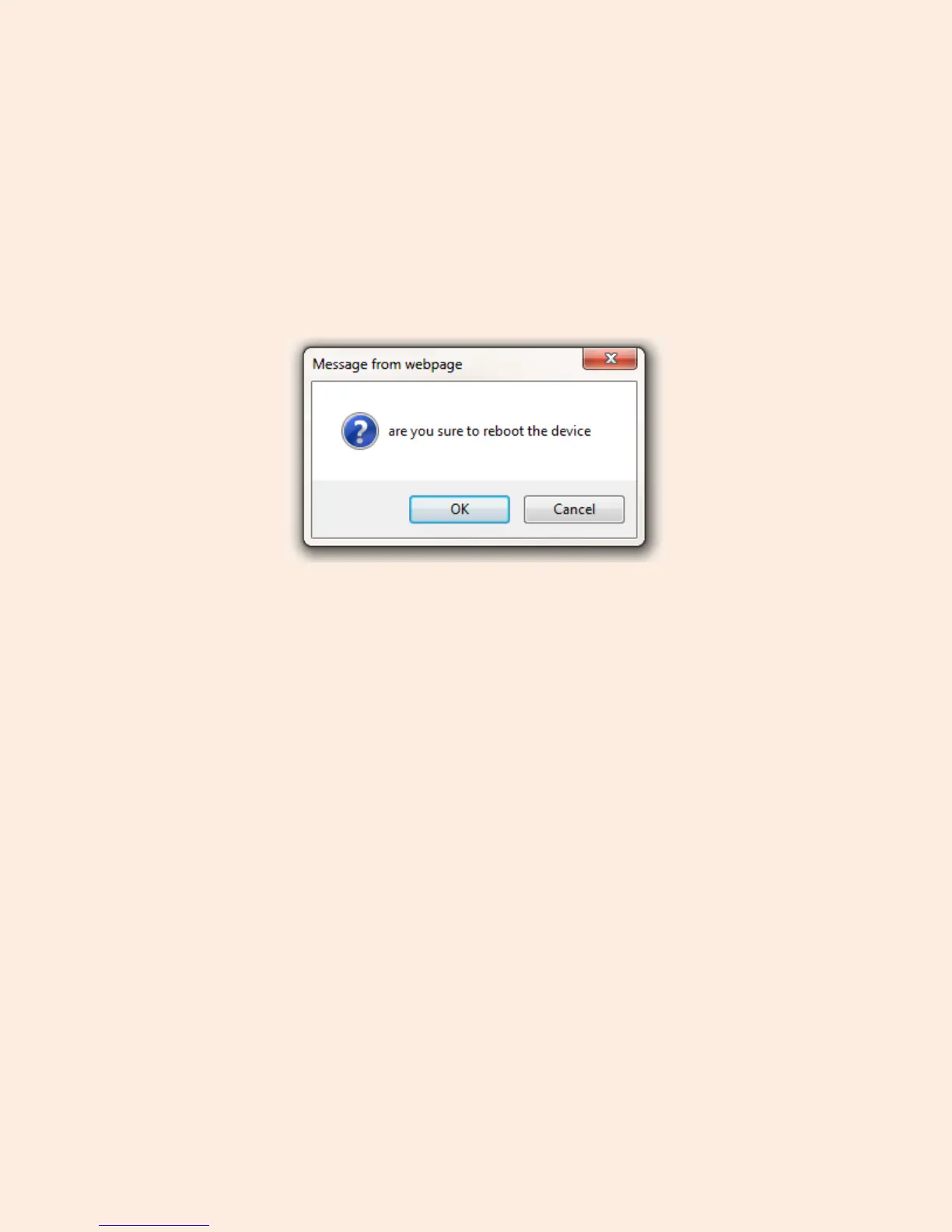
clicking the button which reads “Reboot Device.” Once you click this button, a window similar to Figure
21.1 will appear, click OK to confirm and wait about one minute for the camera to reboot. The camera
should appear again within one minute of rebooting.
Figure 21.1 – Confirmation window asking to confirm a camera reboot


 To Next Page