5
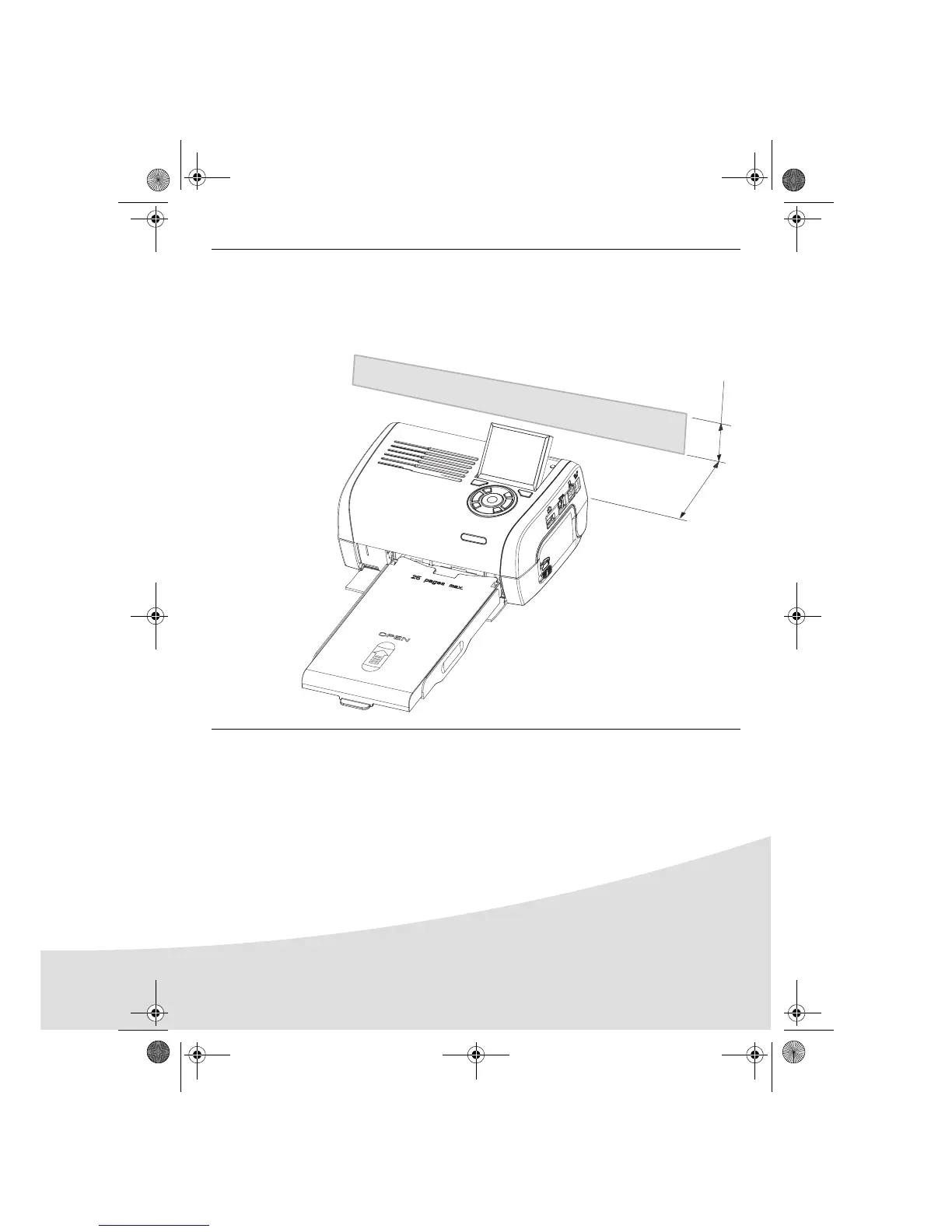
Remarks: To guarantee that the sheet of paper moves correctly while printing, make sure that
to allow at least 10 centimetres free space at the back of the printer.
Do not set up your printer in a dusty environment as dust deposits might adversely
affect the print quality of your photos.
10 cm
5 cm
Obstacle
GI AP2700.book Page 5 Mercredi, 20. septembre 2006 4:15 16



 To Next Page