DX- D 600
User Manual
0242F EN 20181218
105
DR DETECTOR ASSEMBLY
It includes the DR Detector, Container Box and Handle Button. The DR
Detector can be fixed or portable.
ACTIVE WORKSTATION INDICATOR
When the RAD Table is selected as the current active Workstation on the
System, the Active Workstation Indicator gets blue lighted. It is located under
the top Cover of the RAD Table.
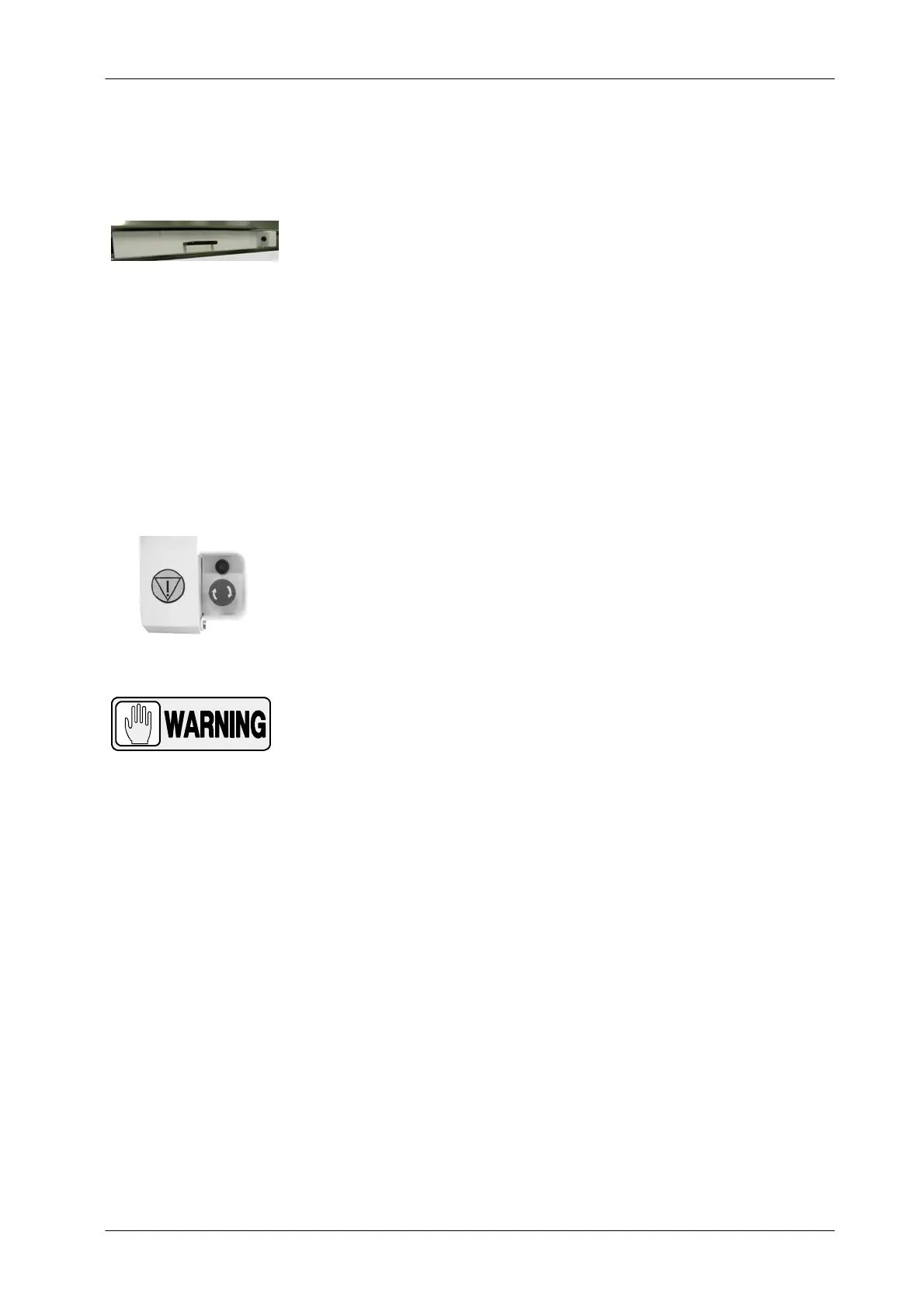
EMERGENCY OFF SWITCH
The RAD Table is equipped with an Emergency OFF Switch, placed below the
front right end of the Tabletop. To release the Emergency OFF Switch, just
press and turn it to the same direction indicated with an arrow (Clockwise).
IN THE EVENT OF AN EMERGENCY, TURN OFF THE RAD
TABLE PRESSING FORCIBLY THE EMERGENCY OFF
SWITCH (RED MUSHROOM-SHAPED SWITCH) ON THE RAD
TABLE, CEILING SUSPENSION, AUTOMATIC POSITIONING
CONTROL BOX, IF PROVIDED, OR ROOM ELECTRICAL
CABINET.



 To Next Page