DX- D 600
User Manual
0242F EN 20181218
126
Rotation direction changes depending on the Systems Configuration:
For Double Panel Systems or default configuration, rotate always the DR
Detector before tilting it. The rotation will be upwards, clockwise for the
left load configuration of the DR Detector, or counter-clockwise for the
right load.
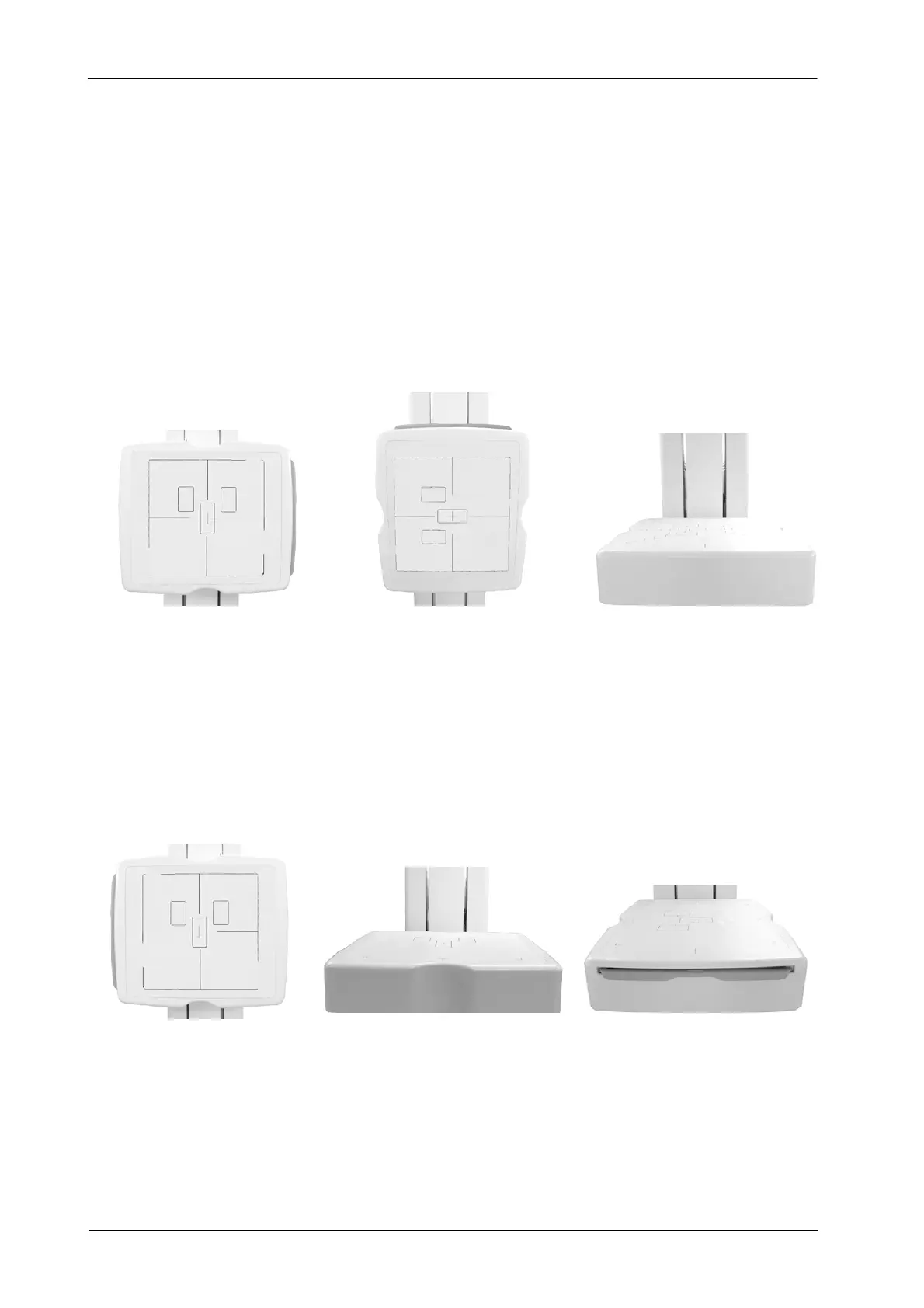
Illustration 6-8
Right load configuration of the Wall Stand for Double Panel System
123
For Single Panel Systems, T ilt always the DR Detector before rotating it.
The rotation will be downwards counter-clockwise for the left load
configuration of the DR Detector, or clockwise for the right load.
Illustration 6-9
Left load configuration of the Wall Stand for Single Panel System
12 3



 To Next Page