DX- D 600
User Manual
0242F EN 20181218
75
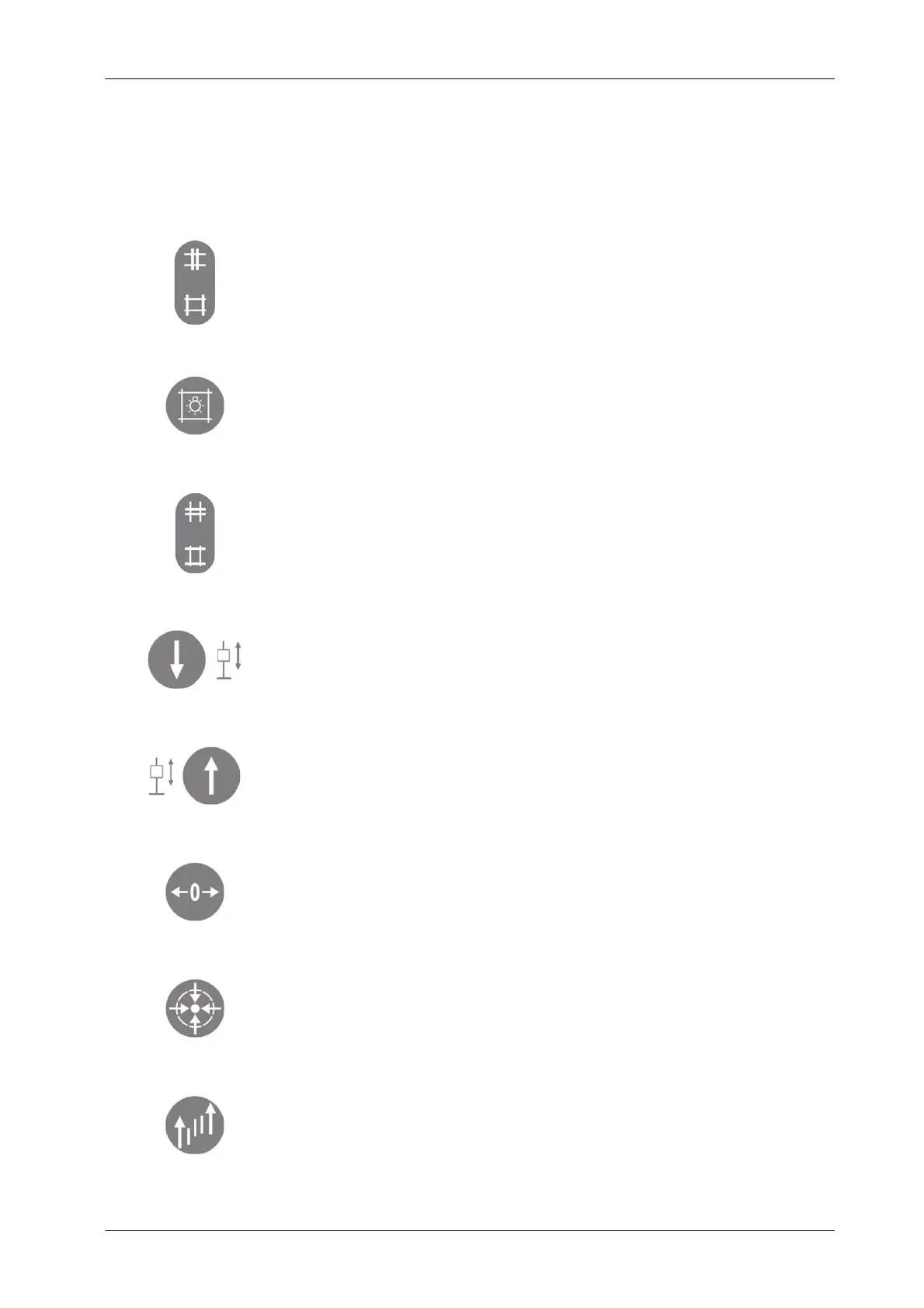
The Remote Control Functions are:
Collimator LONGITUDINAL FIELD SIZE Adjustment:
a. Press the top of the button to close the Collimator
b. Press the bottom to open the Collimator.
Collimator LIGHT SWITCH.
T urn the collimator light ON / OFF.
Collimator TRANSVERSE FIELD SIZE Adjustment:
a. Press the top of the button to close the Collimator
b Press the bottom of the button to open the Collimator.
DR Detector DOWN Movement.
Hold pressed to lower the DR Detector of the RAD Wall Stand DR.
DR Detector UP Movement.
Hold pressed to raise the DR Detector of the RAD Wall Stand DR.
PARKING POSITION.
Hold pressed when executing any Parking Position or Auto-position
(refer to Section 4.2.4.)
AUTO- CENTER.
Hold pressed when auto-centering (refer to Section 4.2.3.6.)
AUTO- TRACKING
Press to activate/deactivate (refer to Section 4.2.3.7.)



 To Next Page