53
2321 E EN 20130722
DX-G/DX-M
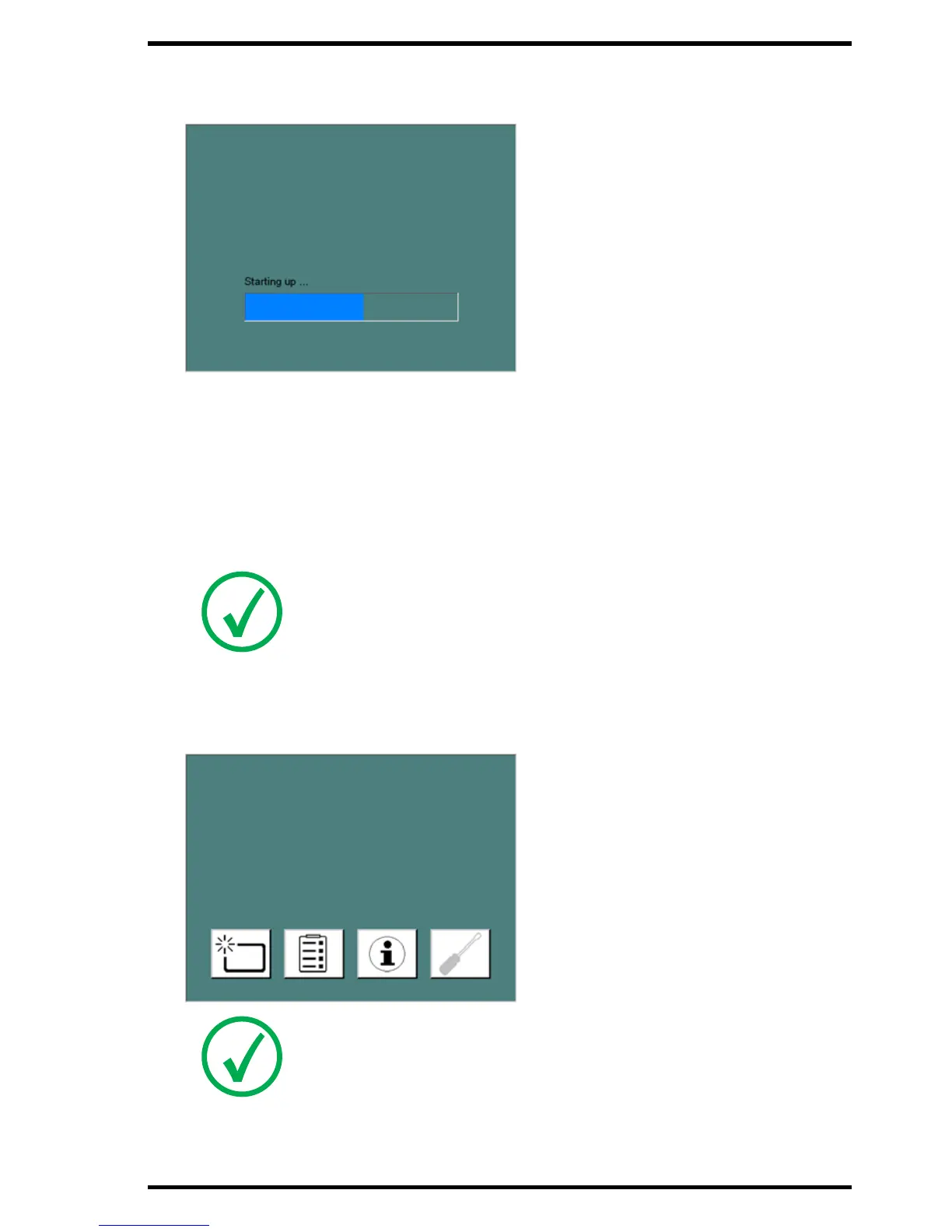
The Start Up screen is visible on the Touch panel:
The digitizer starts the following operation sequence:
• initialization of all components,
• functional test of all components,
• check for presence of cassettes and/or IPs.
During the warm-up and self-test, which may take up to 3 minutes, the digitizer status
indicator is flashing red.
If the digitizer has completed the self-test successfully, the digitizer enters the opera-
tor mode and the status indicator is continuously lighting up in green. The Standby
screen is shown:
Note: During the self-test, you cannot activate any functions.
Note: The brightness of the touch panel is temporarily reduced after not
being used for a while.



 To Next Page