Downloading Images (cont.)
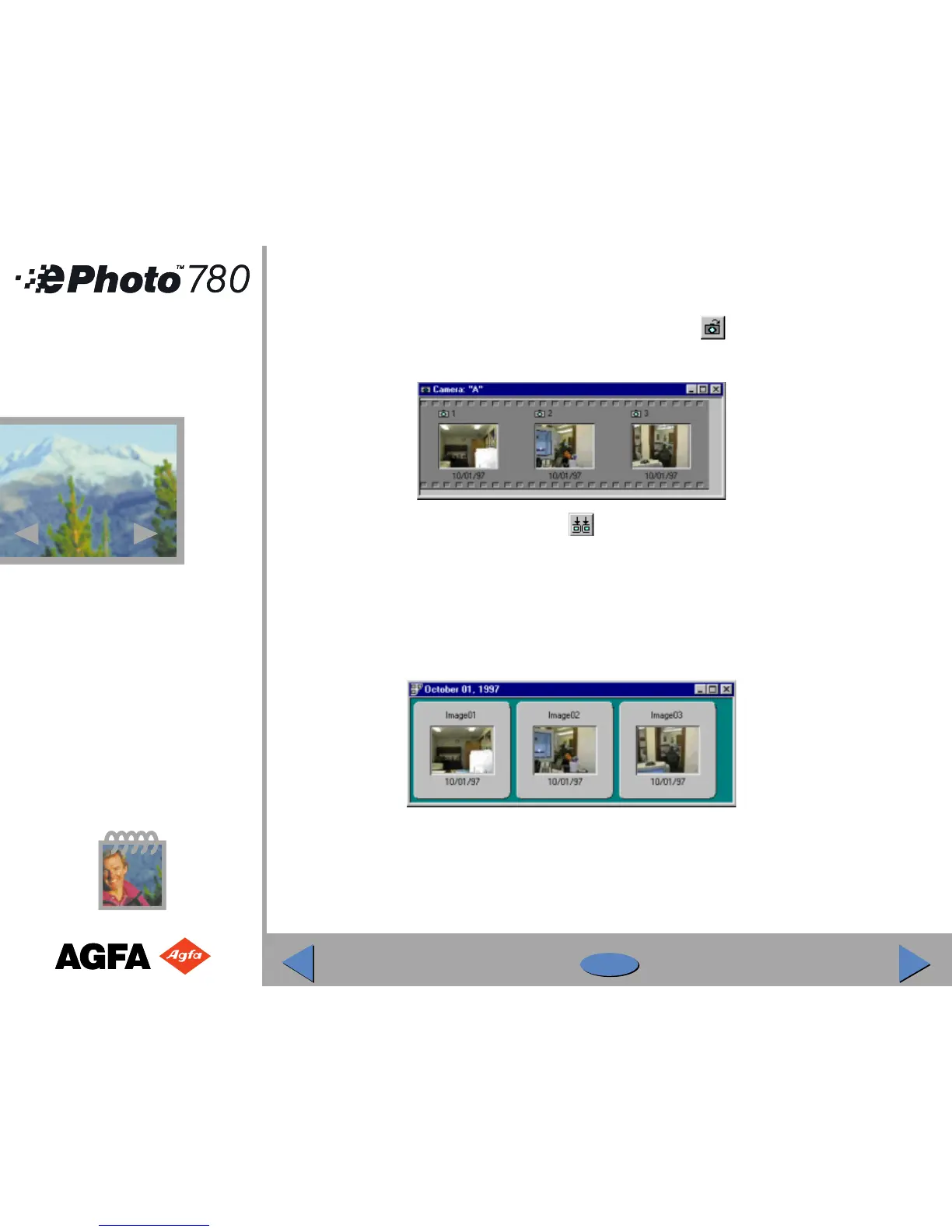
◗ In PhotoWise, click on the View Camera Images icon ( ) or select View Images in
Camera from the Camera menu. The images stored in your camera appear as a filmstrip:
◗ Click on the Get Camera Images icon ( ) to download all the images. (To download an
individual image or series of images, select the images, then click on the Get Camera
Images icon, or double-click on the image.)
◗ In the dialog window that appears, select an existing photo album on disk, or create a new
one, to store the images.
◗ As the images are downloaded they appear in your album as 35 mm “slides”:
Once the images are downloaded, you can edit, print and organize them.
28
28



 To Next Page