Downloading Images (cont.)
Removing JPEG Artifacts
For images in all but 780 mode resolution (., .. or ...), PhotoWise allows you to
select whether or not to remove JPEG artifacts. To do so:
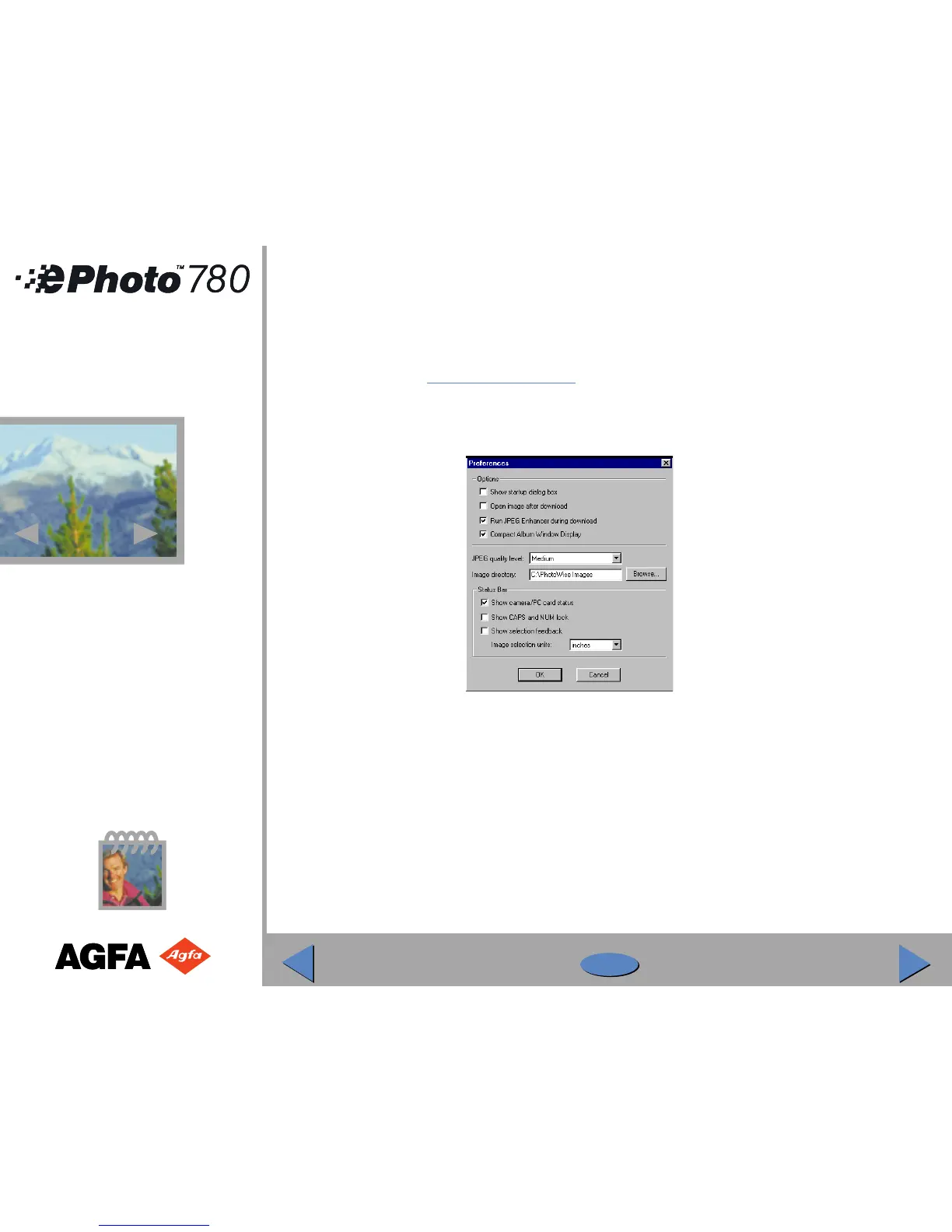
◗ In the PhotoWise Edit menu select Preferences. The Preferences window appears:
◗ To select JPEG artifact removal and achieve best-quality images (longer download time),
select “Run JPEG enhancer on download”.
To reduce the download time (no JPEG artifact removal), deselect the option.
!
Note: JPEG removal on is the default setting. Agfa recommends using this setting to achieve
the highest-quality images.
30
30



 To Next Page