2
EN
Introduction
Dear Customer
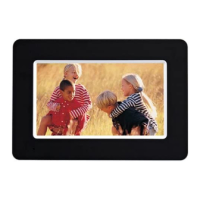
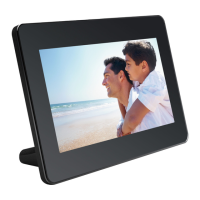
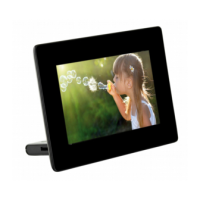
Thank you for purchasing our photo frame. Get
ready to experience photography like never be-
fore!
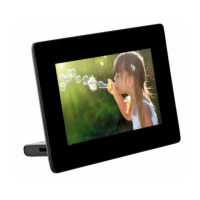
High definition LCD screen
Memory
Your digital photo frame includes 1MB of built-in
memory, a memory card slot and a USB port. Files
on the built-in memory can be deleted and files on
memory card and USB-disc can be copied.
Supports browse mode (thumbnails of 20 images
per page at a time). Your digital photo frame sup-
ports photo rotate and stretch function.
An automatic, continuous slide show lets you en-
joy all of your photos with ease.
We hope you enjoy your device and its many func-
tions!
About this User Manual
With the installation guide on the following pages,
you can start using your device quickly and easily.
Detailed descriptions can be found in the follow-
ing sections of this user manual.
Read the entire user manual carefully. Follow all
safety instructions in order to ensure proper oper-
ation of your device. The manufacturer accepts no
liability if these instructions are not followed.
Symbols Used
Dangers
Troubleshooting
DANGER!
DANGER!
Warns about dangers for people, dam-
age to the device or other objects as
well as possible loss of data. Injuries or
damage can result from improper han-
dling.


 To Next Page