6
EN
Photo Playback
1 Press on the device.
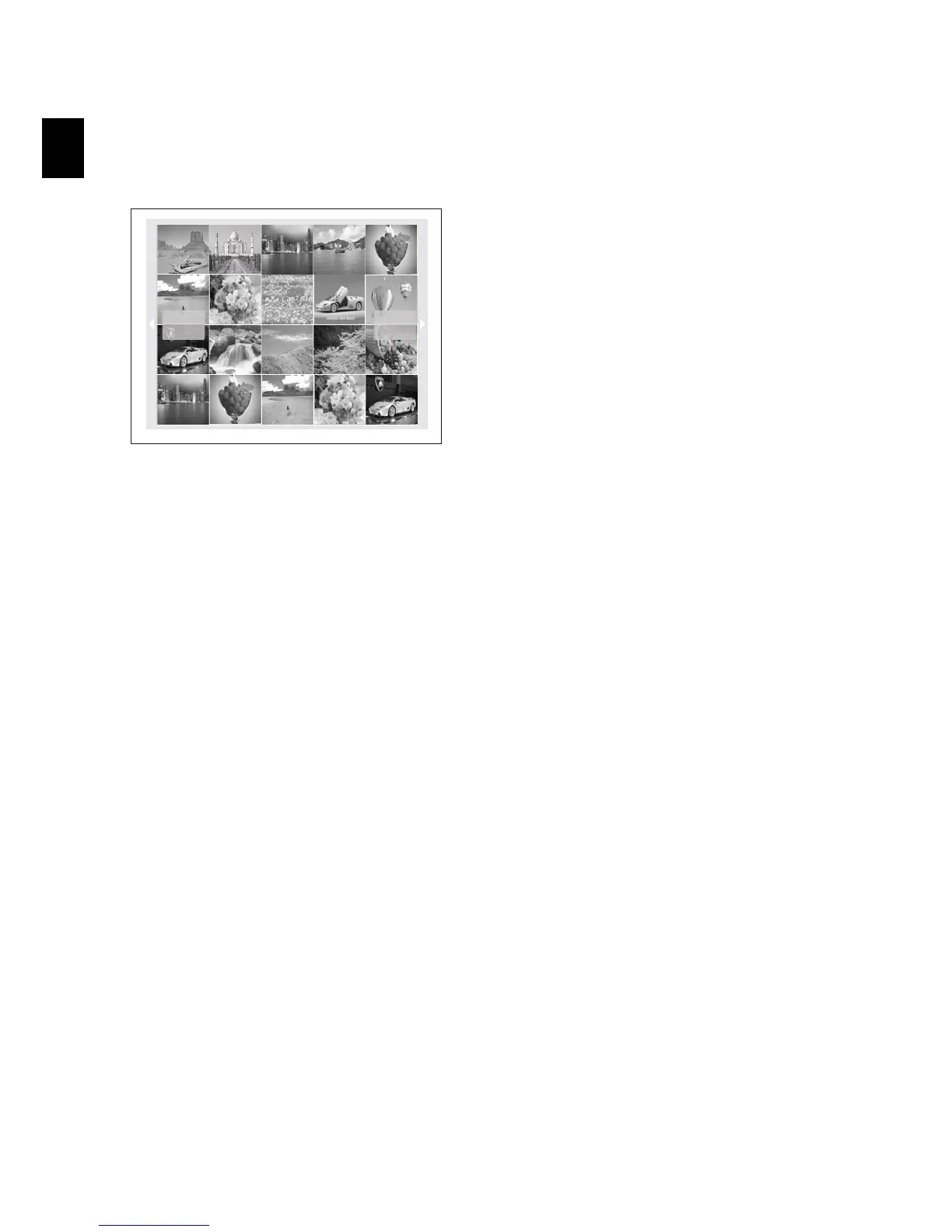
2 Then the frame will display 20 thumbnail imag-
es per page.
3Use G/I or J/H to select the image from
which to start the slide show
4 Press to start the slide show.
5 Press to pause the slide show. A ‘pause
symbol’ appears on the screen.
6 Press J/H to skip top the previous or next
image.
7 End the slide show using .


 To Next Page