5
EN
Initial Operation
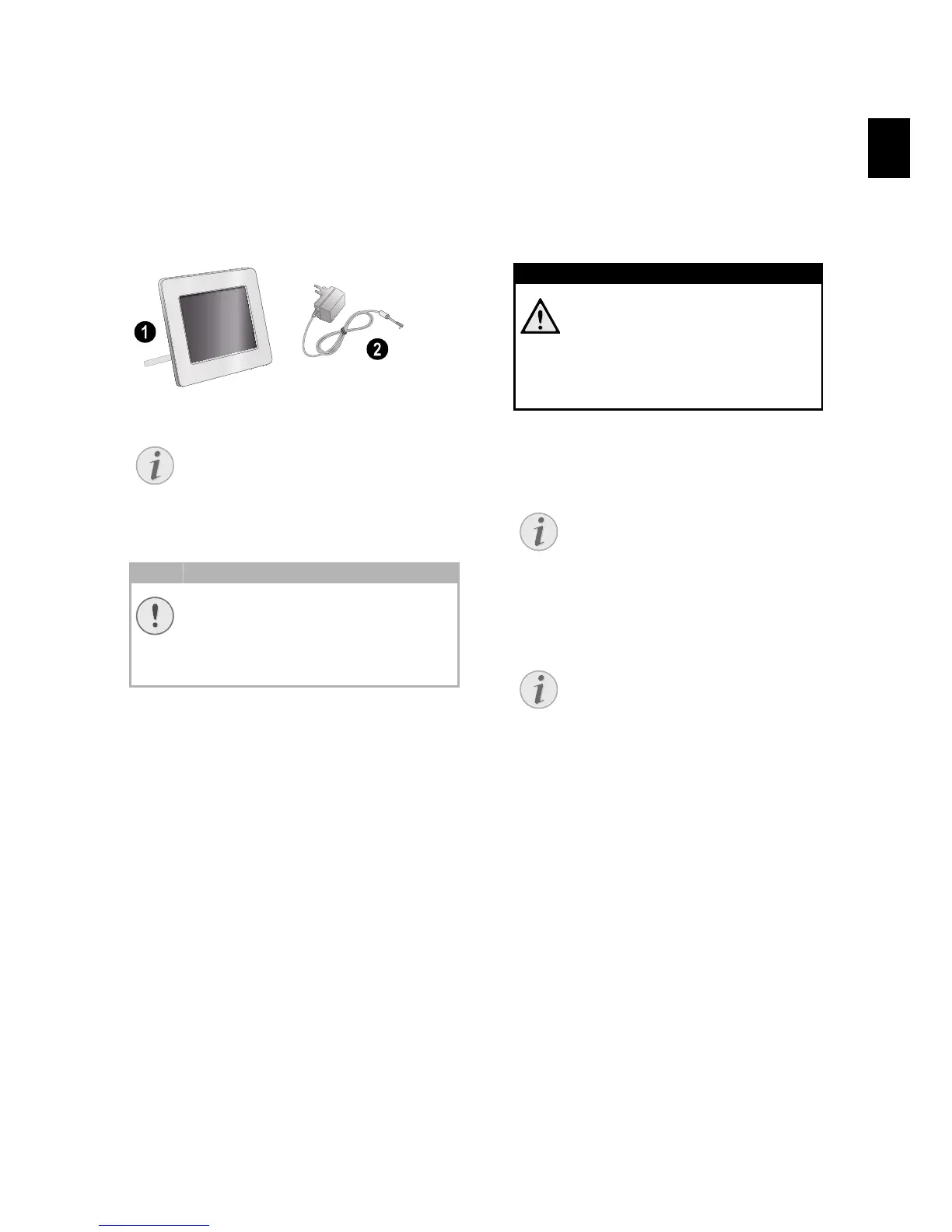
Packing Contents
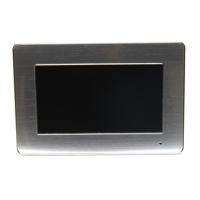
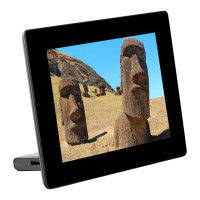
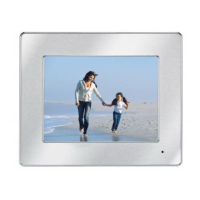
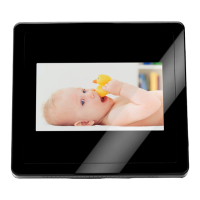
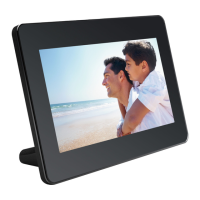
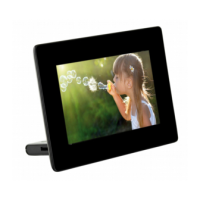
Digital photo frame
Digital photo frame with bracket
Power supply with exchangeable plugs
Power supply with exchangeable plugs
User Guide (not depicted)
User Guide (not depicted)
Verpackungsinhalt AF5071
Missing Package Contents
Connecting power supply
Mains Voltage at the Site of Installation
1 Choose the right plug for your country and
slide it onto the power adapter. Ensure that the
plug snaps in completely.
2 Insert the small plug of the power supply into
the socket on the rear side of your device. In-
sert the power supply unit into the socket.
Inserting a Memory Card
1 Insert a memory card into the appropriate card
slot at the rear of the device. Your photo frame
supports the following memory cards: SD/
MMC/MS/XD.
2 Switch the device on using the on/off switch
on the rear. The player will start slide show af-
ter the start screen be displayed.
3 Press at the rear during a slide show to
stop the slide show.
otice
Missing Package Contents
If one of the parts is missing or dam-
aged, please contact your retailer or our
customer service.
CAUTION!
Mains Voltage at the Site of Installation!
Check whether the mains voltage of
your device (indicated on the type label)
matches the mains voltage available at
the setup location.
DANGER!
Inserting a Memory Card!
Only use storage media that are com-
patible with the device.
Never pull out the memory card while
the device is accessing it. This could
cause data to be damaged or lost.
otice
Many Photos on the Memory Card
If the memory card contains many
photos, it can take some time until
the slide show starts.
otice
Using USB device and memory card
at the same time
If a USB storage device is used at the
same time as a storage card, the im-
ages from the memory card are dis-
played first.


 To Next Page