4
EN
Overview
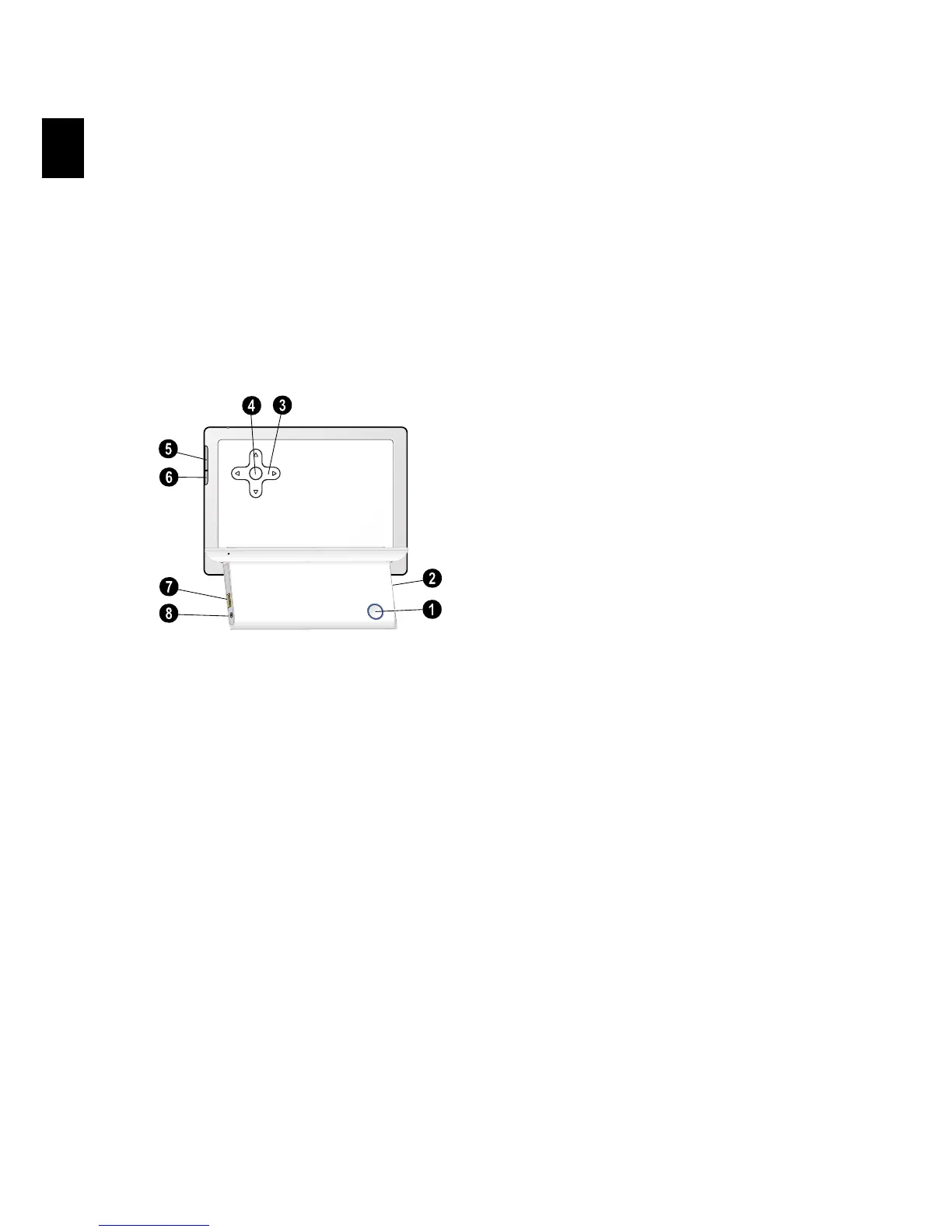
Device Overview
1 On/Off switch
1 B—On/Off switch
2 Slot for Memory card
2—Slot for Memory card
3 Arrow keys
3 G/I—Move up / Move down / Move left /
Move right
4 OK
4 —Confirms the selection / Start slide show
5 —Calling up the picture-overview.
6 ù—Modifying the Settings
7 USB port for storage medium
7 ý- Socket—USB port for a storage medium
8 Mains Cable Socket
8 Í—Socket for mains cable
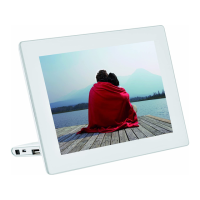
Rückseite AF5071


 To Next Page