EasyManua.ls Logo

AGI EZTest Hazmon - User Manual

AGI EZTest Hazmon
33 pages
Print Icon
To Next Page IconTo Next Page
Loading...
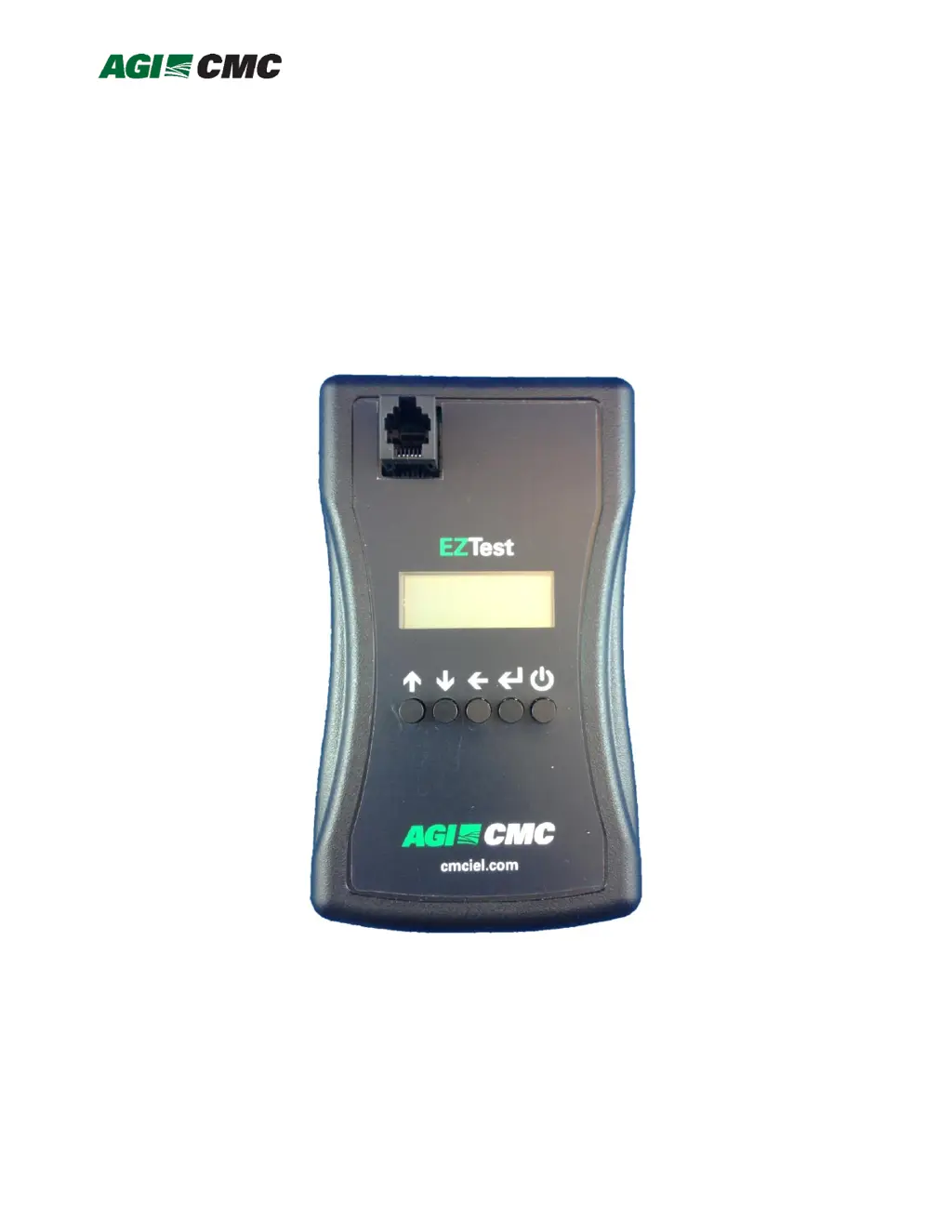
EZTest
HazMon System Tester
mDT001
EZTest
HazMon System Tester
Document No. 11584, Revision A06
January 2019

Questions and Answers

Summary

Overview

Description of Indicators

Control Pushbuttons

Explains the function of the Power, Select, Back, Down, and Up pushbuttons.

Operation

Using the Menu Control Pushbuttons

Details on navigating the menu system using the device's buttons.

Sensor Test

Procedure and expected messages for testing individual sensors.

Bus Test

Procedure for testing the CMC network and diagnosing common faults.

Sensor Emulator

Steps to emulate a sensor for testing purposes.

Sensor Configuration

Guides the user through configuring various sensor types and parameters.

Configuration of mTS017, mVM001, mCP001 and mPTH001

Instructions for configuring specific sensor models and their parameters.

Configuration of digital grain cable

Procedure for configuring digital grain cables using an adapter.

Battery Gauge

Function to display the current battery voltage of the tester.

Proximity Data

Displays real-time proximity data and temperature for the mCP001 sensor.

Cable Insert Test

Detects the number of DS28EA00 sensors connected on a cable (internal use).

Troubleshooting Tips

Troubleshooting Charts

Specifications

Appendix 1: Sensor Position

AGI EZTest Hazmon Specifications

General IconGeneral
BrandAGI
ModelEZTest Hazmon
CategoryTest Equipment
LanguageEnglish