ILT.110
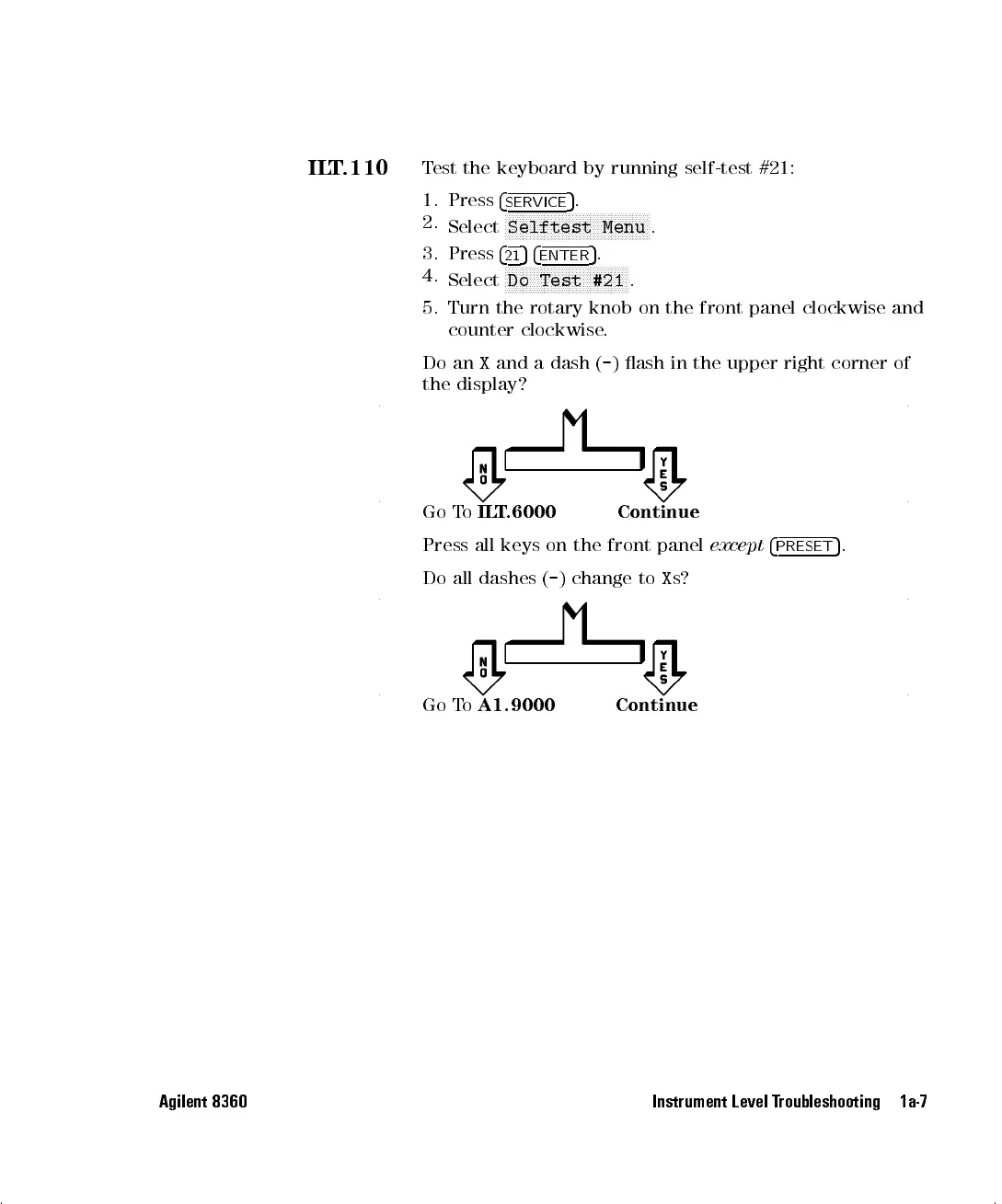
Test the keyboard by running self-test #21:
1. Press
4
SERVICE
5
.
2.
Select
NNNNNNNNNNNNNNNNNNNNNNNNNNNNNNNNNNNNNNNNN
Selftest Menu
.
3. Press
4
21
54
ENTER
5
.
4.
Select
N
NNNNNNNNNNNNNNNNNNNNNNNNNNNNNNNNNN
Do Test #21
.
5. Turn the rotary knob on the front panel clockwise and
counter clockwise.
Do an
X
and a dash (
-
) ash in the upper right corner of
the display?
Go To
ILT.6000 Continue
Press all keys on the front panel
except
4
PRESET
5
.
Do all dashes (
-
) change to
X
s?
Go To
A1.9000 Continue
Agilent 8360 Instrument Level Troubleshooting 1a-7


 To Next Page
 Loading...