12
Battery Management Functionality
E7495A/B Manual Verification
2. Internal Battery Power Test
Setup
• Insure a battery with >10% charge is installed in Battery
Position #2
• Remove the Ext DC Power from the E7495A/B
Test Results
• On the Front Panel Display, verify the External DC icon (Plug
icon) is NOT present on the lower right hand portion of the
display.
• Verify the Battery Icons on the Front Panel Display accurately
represent the condition of the installed battery.
Battery 1: (Light Grey: No Battery Installed)
Battery 2
should be one of the
following:
(Green: Greater than 25% Charge remaining)
(Yellow: 10 to 15% Charge remaining)
(Red: Less than 10% Charge remaining)
(Dark Grey: No Charge remaining)








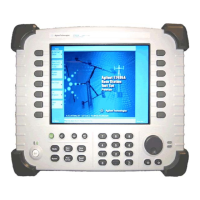

 To Next Page