EasyManua.ls Logo

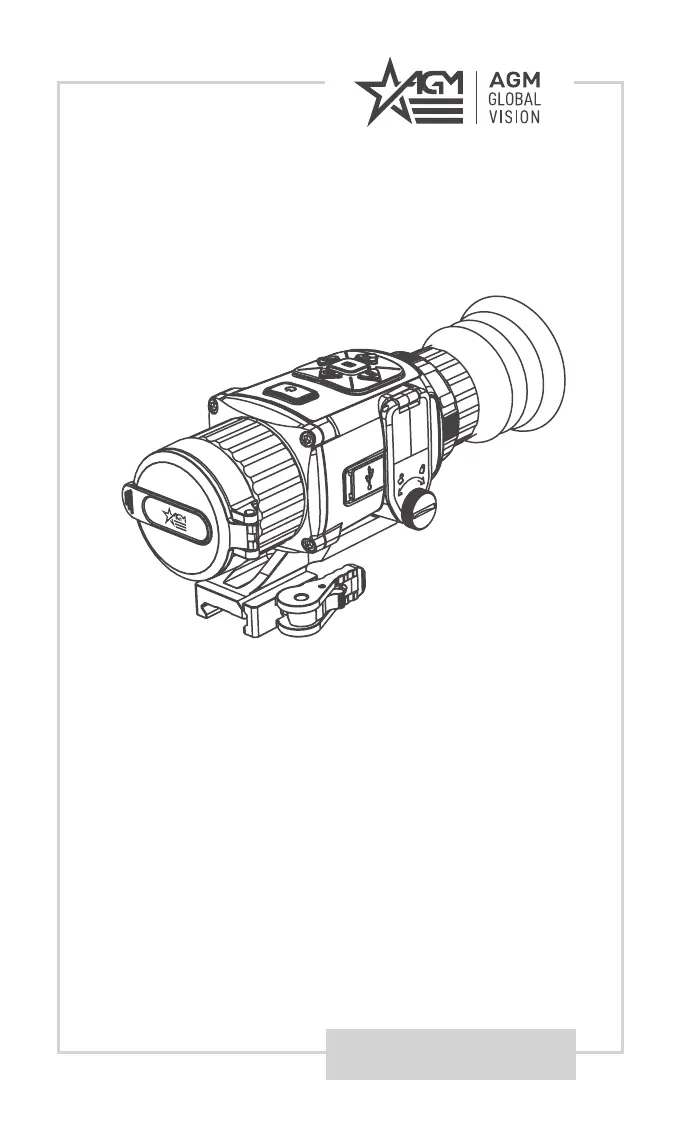
AGM Global Vision RATTLER TS25-384 - User Manual

AGM Global Vision RATTLER TS25-384
28 pages
Print Icon
To Next Page IconTo Next Page
Loading...
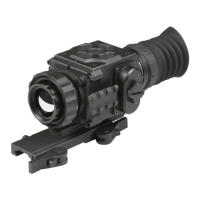
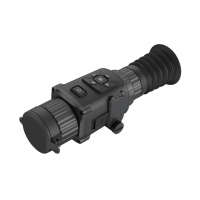
USER MANUAL
RATTLER TS25-384
RATTLER TS35-384
THERMAL IMAGING RIFLESCOPE

Questions and Answers

  • W
    wfitzpatrickAug 6, 2025
    What to do if capturing or recording fails on AGM Global Vision Thermal cameras?
    • M
      Matthew SmithAug 6, 2025
      If you're experiencing issues with capturing or recording, check the following: Ensure the device isn't connected to your PC in a way that disables these functions. Verify that your storage space isn't full. Also, make sure the device isn't in a low-battery condition.
  • S
    Sherry JohnsonAug 12, 2025
    Why is Wi-Fi not found on my AGM Global Vision RATTLER TS25-384?
    • J
      James HillAug 13, 2025
      If you can't find the Wi-Fi, first check if the Wi-Fi function is turned on. If it's off, go to the OSD menu and enable Wi-Fi.
  • P
    priceluisAug 18, 2025
    What to do if the PC cannot identify the AGM Global Vision riflescope?
    • E
      Eric HamiltonAug 18, 2025
      If your PC isn't recognizing the riflescope, verify these items: Ensure you're using a standard USB cable to connect the device to your PC. If you're using a different USB cable, confirm that it's no longer than 1 meter. Check if the Wi-Fi function is turned on; if it is, go to the OSD menu and turn off Wi-Fi.
  • V
    vbrownAug 25, 2025
    What to do if device power indicator is off on AGM Global Vision?
    • R
      robert97Aug 25, 2025
      If the device power indicator is off, check to see if the device is off-battery.
  • D
    dcunninghamAug 31, 2025
    Why does the charge indicator flash improperly on AGM Global Vision?
    • L
      lowebryanAug 31, 2025
      If the charge indicator is flashing improperly, make sure that the device is charged with a standard power adapter and that the charging temperature is between 0°C to 45°C (32°F to 113°F).

Summary

Safety Summary

General Information

1.1 System Description

Overview of the AGM Rattler TS25-384 and TS35-384 thermal imaging riflescopes.

1.2 Key Features

Highlights of the main features and capabilities of the thermal riflescope.

Operating Instructions

2.1 Basic Operations

Covers unpacking, battery installation, controls, and initial device setup.

2.2 Main Functions

Details advanced functions like menu navigation, image adjustments, connectivity, and boresighting.

2.3 Client Software Introduction

Instructions for installing and using the T-Vision mobile application with the device.

Maintenance

3.1 Maintenance

Procedures for cleaning, preparing for storage, and upgrading device firmware.

3.2 Troubleshooting

Common malfunctions and their corrective actions for the thermal riflescope.

Warranty Information

4.1 Warranty Information and Registration

Details on product warranty, limitations of liability, and registration process.

Specifications

5.1 Specifications

Technical specifications for the AGM Rattler TS25-384 and TS35-384 models.

AGM Global Vision RATTLER TS25-384 Specifications

General IconGeneral
Resolution384x288
Frame Rate50 Hz
Lens25 mm
Battery Life8 hours
Operating Temperature-20°C to +50°C
Storage Temperature-40°C to +70°C
Waterproof RatingIP67
Digital Zoom2x
Display1024x768
Spectral Range8-14 µm

Related product manuals