EasyManua.ls Logo

AGM Global Vision RATTLER TS35-640 - User Manual

AGM Global Vision RATTLER TS35-640
32 pages
Print Icon
To Next Page IconTo Next Page
Loading...
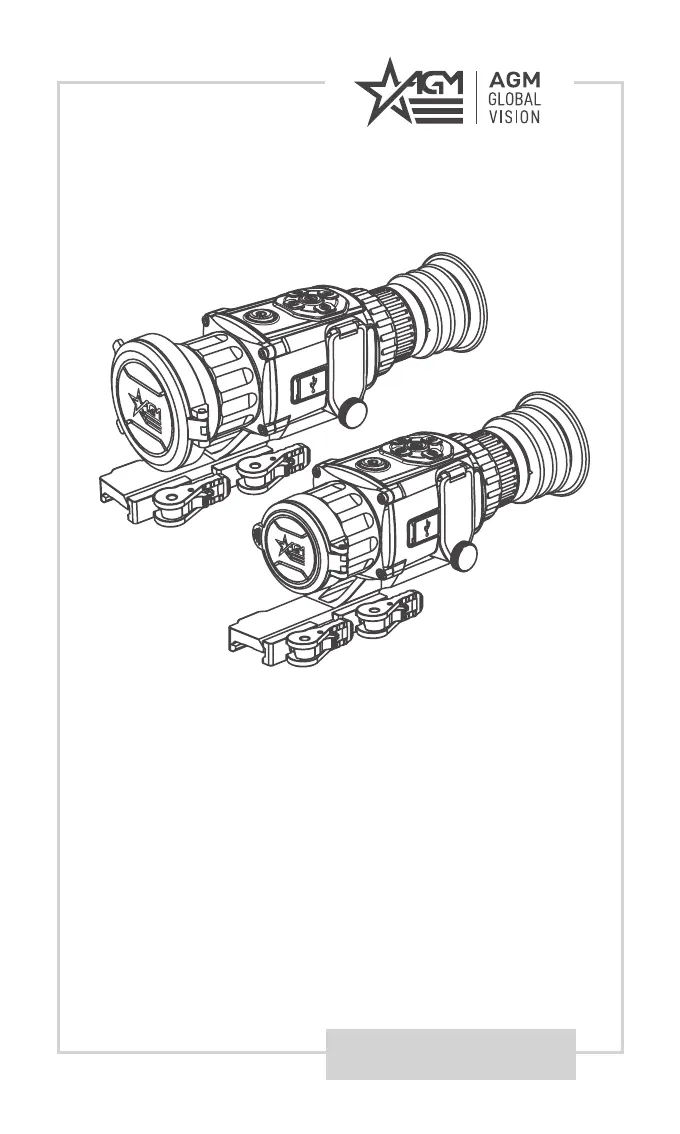
USER MANUAL
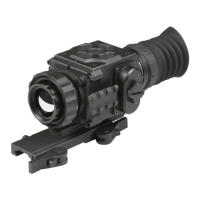
RATTLER TS35-640
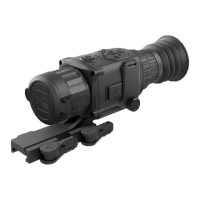
RATTLER TS50-640
THERMAL IMAGING RIFLESCOPE/CLIP-ON

Questions and Answers

  • S
    Stephen SmithAug 5, 2025
    What to do if my AGM Global Vision Thermal camera fails to capture or record?
    • T
      Tony ChapmanAug 5, 2025
      Several factors can cause capture or recording failures. The device might be connected to your PC, which disables these functions. Ensure it is disconnected from the PC. The storage space might be full, so you should free up some space. Also, a low-battery condition can prevent capturing and recording; in this case, charge the device.
  • S
    Susan ColonAug 11, 2025
    Why does my AGM Global Vision Thermal camera scope shut off after a shot?
    • J
      Jason KlineAug 11, 2025
      The scope may shut off after a shot due to several reasons. It could be due to the wrong battery voltage; the default is 3.0 V, so switch it in the menu if you are using a 3.7V battery. It may be due to the improper dimension of the battery, so check if there is the rubber ring attached on the battery compartment. Also, the battery level might be low, meaning it lacks the power to maintain performance.
  • T
    Tonya HoodAug 17, 2025
    Why is my PC not identifying my AGM Global Vision Thermal camera scope?
    • J
      Juan SchroederAug 17, 2025
      If your PC isn't identifying the scope, there might be a few reasons. First, if the device is connected to your PC with a standard USB cable, try another one. If you are using other USB cables, make sure the cable length is no longer than 1 m. Also, if the Wi-Fi function is turned on, go to the OSD menu and turn off Wi-Fi.
  • B
    Beth NixonAug 23, 2025
    What to do if Wi-Fi is not found on AGM Global Vision Thermal cameras?
    • E
      Erica QuinnAug 23, 2025
      Check whether the Wi-Fi function is turned on. If it is not, go to the OSD menu and turn on Wi-Fi.
  • V
    vargasbarbaraAug 29, 2025
    How to fix AGM Global Vision Thermal camera that fails to activate?
    • K
      Karen WelchAug 29, 2025
      If the scope fails to activate, the batteries might be missing or improperly installed, so insert batteries or install them correctly. The batteries could also be dead, so replace them. Additionally, the batteries, surfaces, or contacts might be dirty or corroded; in this case, clean the contact.

Summary

EXPORT INFORMATION

FCC Information and Compliance

EU Conformity Statement

Industry Canada Compliance

SAFETY SUMMARY

General Safety Warnings

Covers warnings regarding latex, firearm safety, eyepiece positioning, and general device operation.

Optical and Handling Precautions

Legal Notice

Information regarding regional legal regulations for weapon attachment and user responsibility.

GENERAL INFORMATION

System Description

Details the AGM Rattler TS35-640 and TS50-640 thermal imaging scopes and their applications.

Key Features

Lists the main technical specifications and functionalities of the thermal imaging riflescopes.

OPERATING INSTRUCTIONS

Unpacking and Battery Installation

Steps for unpacking the device, inspecting it, and installing the batteries.

Device Connectivity and Controls

Guide for connecting the device, selecting battery type, and overview of control buttons.

Powering On;Off and Sleep Mode

Instructions for powering the device, managing sleep mode, and auto power off settings.

Thermal Viewing and Image Settings

Operating thermal view, adjusting palettes, digital zoom, OSD, and reticle display.

Capture, Record, and File Export

Procedures for shutter release, video recording, image capture, and exporting files to a PC.

MOUNTING AND ADJUSTMENT

Installing on Weapon Rail

Step-by-step guide for mounting the Rattler scope onto a Picatinny or Weaver rail.

Clamping Device Adjustment

Instructions on how to adjust the mount's clamping device for a secure fit.

MAIN FUNCTIONS

Menu Navigation and Core Functions

How to navigate the main menu and use core functions like battery voltage, network, contrast, and brightness.

Advanced Menu Functions

Details various menu items including FFC, CVBS Output, DPC, Burn Prevention, Version, Restore, and Language.

Battery Type Selection

Guidance on changing the battery type setting within the device's menu.

Network, Display, and Scene Settings

Configuring Wi-Fi, adjusting contrast/brightness, selecting scene mode, and using PIP.

Reticle and Boresighting

Enabling reticles, selecting types, and performing boresight correction for accurate aiming.

Reticle Color and Correction Settings

Customizing reticle color, applying Flat Field Correction (FFC), and CVBS output setup.

Device Settings and Utilities

Managing DPC, Burn Prevention, device info, restore, auto power off, and language settings.

Trajectory Correction and Time Sync

Setting up trajectory correction for accurate shooting and synchronizing device time.

OSD and Distance Measurement

Managing OSD display and using the distance measurement feature.

CLIENT SOFTWARE INTRODUCTION

Hot Tracking and Software Setup

Using the Hot Tracking feature and installing/connecting the T-Vision client software.

MAINTENANCE AND UPGRADES

Cleaning and Storage Procedures

Detailed steps for cleaning the device, lenses, accessories, and preparing for extended storage.

Device Software Upgrade

Steps for downloading and installing firmware updates for the device.

TROUBLESHOOTING

Troubleshooting Common Malfunctions

Lists common problems and their corrective actions for the riflescope.

WARRANTY INFORMATION

Warranty Details and Registration

Details product warranty coverage, limitations, and the registration process.

Limitation of Liability and Service

Legal liability disclaimers and procedures for obtaining warranty service and returns.

SPECIFICATIONS

Technical Specifications (Part 1)

Detailed technical specifications for the Rattler TS35-640 and TS50-640 models.

Technical Specifications (Part 2)

Provides a comprehensive table of technical specifications including modes, power, and dimensions.

AGM Global Vision RATTLER TS35-640 Specifications

General IconGeneral
BrandAGM Global Vision
ModelRATTLER TS35-640
CategoryThermal cameras
LanguageEnglish

Related product manuals