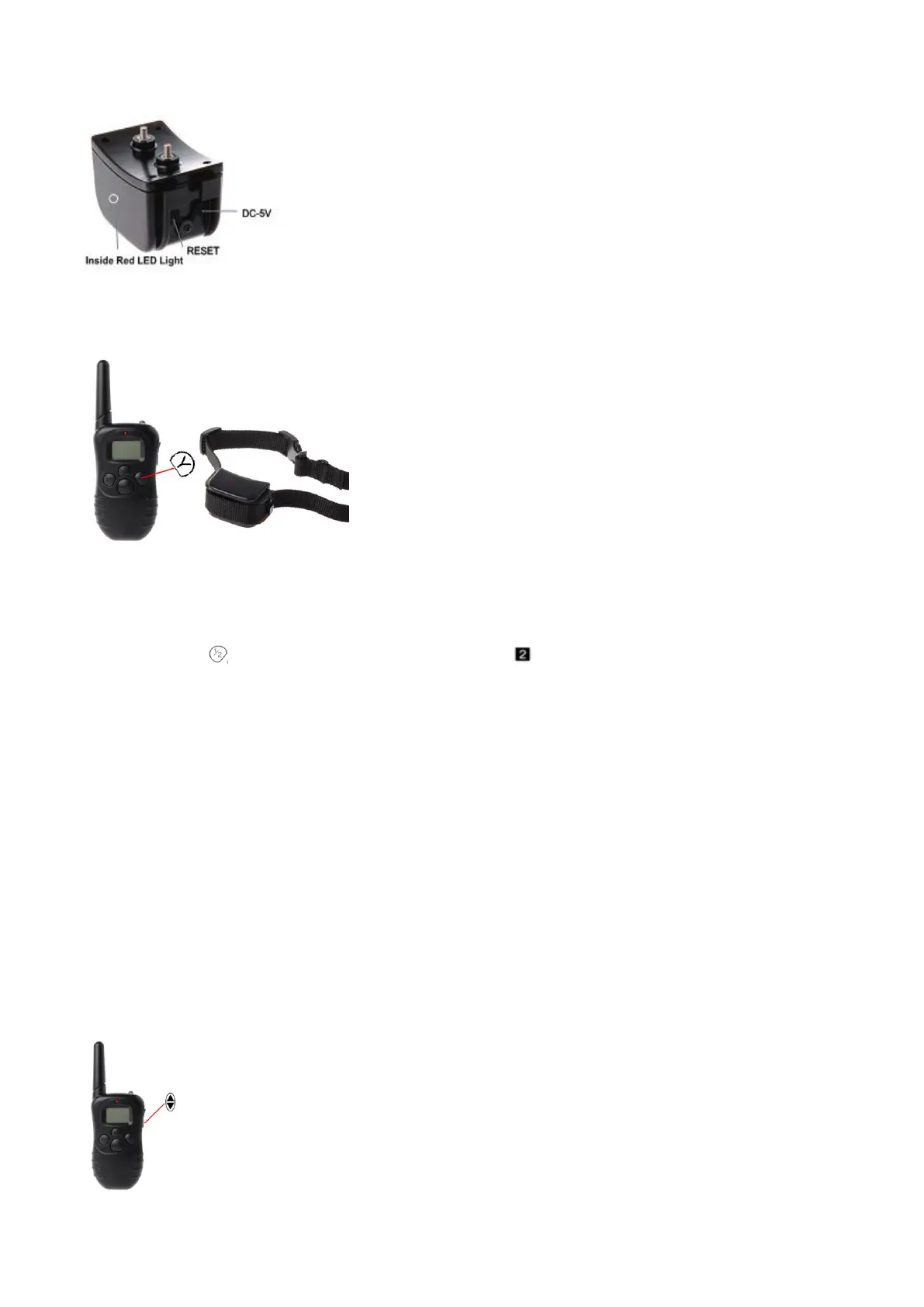
3. Then press the Y button of controller immediately and you can hear a “beep” again. That shows the
item is paired successfully. If not, please remove the batteries of collar and install them once again, and
try the above steps.
Matching the second collar
If you have another collar, please follow the next steps to finish matching.
1. Please press the MODE button of controller for 5-10s, then the controller will be turned on. Press the
CHANEL button and select CHANNEL 2 (the small icon can be seen at the upper right of the LED
screen).
2. Press the reset button with a needle for 5s within 20 seconds. While finishing installing the battery, you
will hear a sound “beep”.
3. Then press the Y button of controller immediately and you can hear a “beep” again. That shows the
item is paired successfully. If not, please remove the batteries of receiver collar and install them once
again, and try the above steps.
Note: CHANNEL 1 and CHANNEL 2 are in no order, so you can set any collar to any CHANNEL
according to you custom.
◎Intensity Regulation
The shock and vibration function can be set from 0 to 100 by pressing the UP/DOWN buttons on right
hand side. When using shock or vibration, you can choose intensity levels according to your needs.



 To Next Page