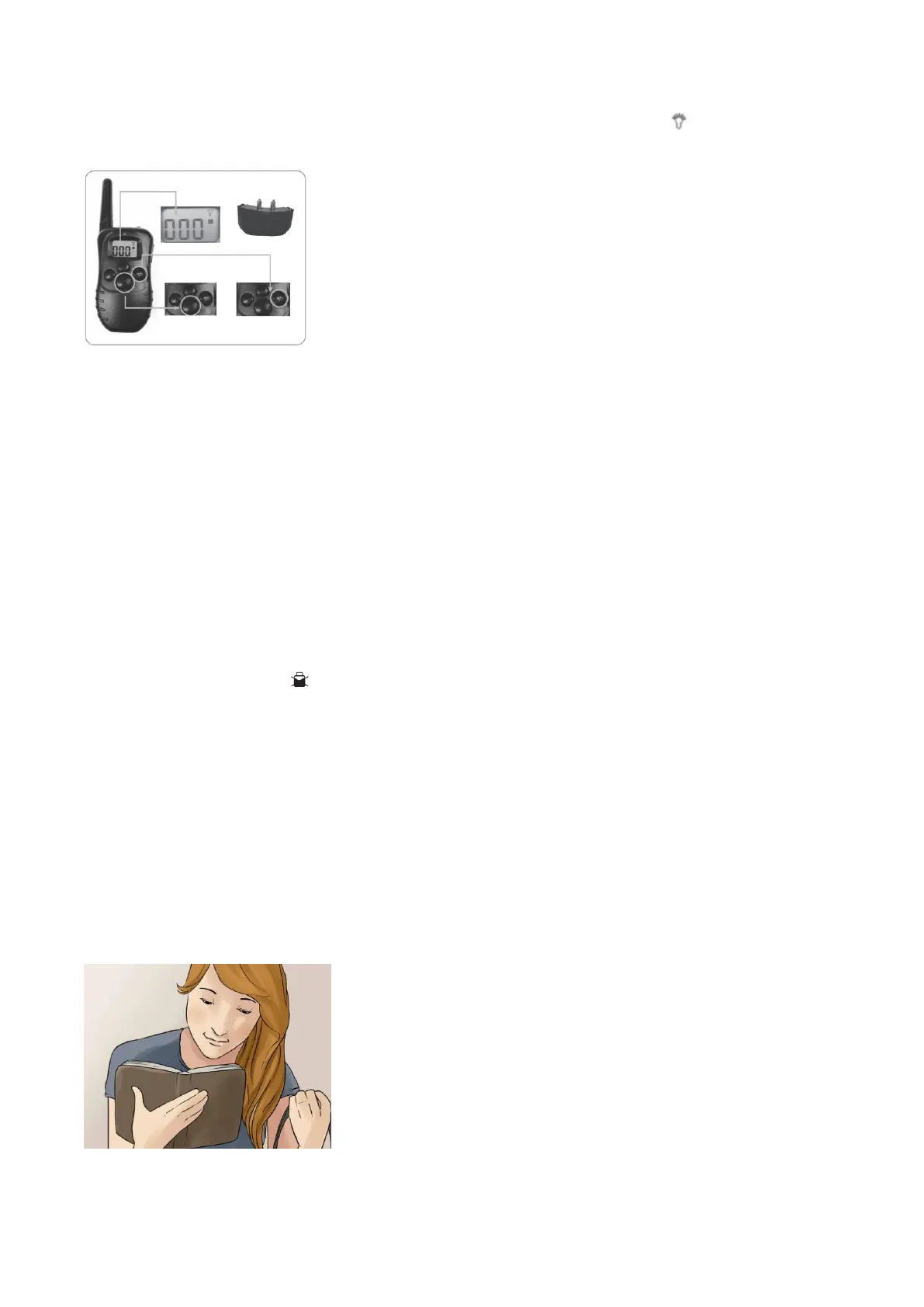
(1) Press Mode button of Controller, switch to LED light Mode (the small icon can be seen at the
upper right of the LED screen).
(2) Press the Y button and then the receiver collar and the indicator light of controller will flash at the same
time, signifying that the LED Light function works.
◎Package includes
1 x remote control
1 x collar
1 x charger cord
1 x test light&probes
1 x Maual
◎Notes for Function:
1. The lifetime of the batteries vary according as how often you use the product. Therefore you should
often check batteries when the receiver collar makes sound “beep beep” and the right down side of LCD
screen shows up the symbol .
2.The valid distance of Controller means the straight-line distance between the Controller and the
Receiver Collar without obstacles in between. If there are interference signals or signal screening around,
the actual remote Controller distance may vary.
3.If you hear a little ratting sound inside the collar, don’t worry. It is the Touch switch used to wake up the
collar when in sleep mode.
◎Training Tips
1. Before you use the training collar, read the instructions carefully and learn to use it. Make sure both
function are OK and then attach the receiver collar to your dog’s neck.



 To Next Page