EasyManua.ls Logo

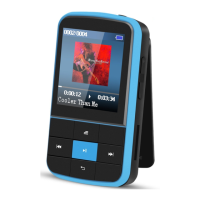
AGPtek G15 - Basic Operation; Power On;Off; Scroll Up;Down; Return

AGPtek G15
9 pages
Print Icon
To Next Page IconTo Next Page
To Previous Page IconTo Previous Page
Loading...
Technical Specification
Basic Operation
Power On/Off
Push on-off button to the on side or long press button
for about 3 seconds to turn it on.
Push on-off button to the
off
side or long press button
for about 3 seconds to turn it off.
Scroll Up/Down
Click button / to scroll up/down one by one. Hold to
scroll up/down quickly.
Return
On Music/Radio interface, press to return.
On list interface, press to return to previous menu.
On main menu, press back to the interface you just
Screen
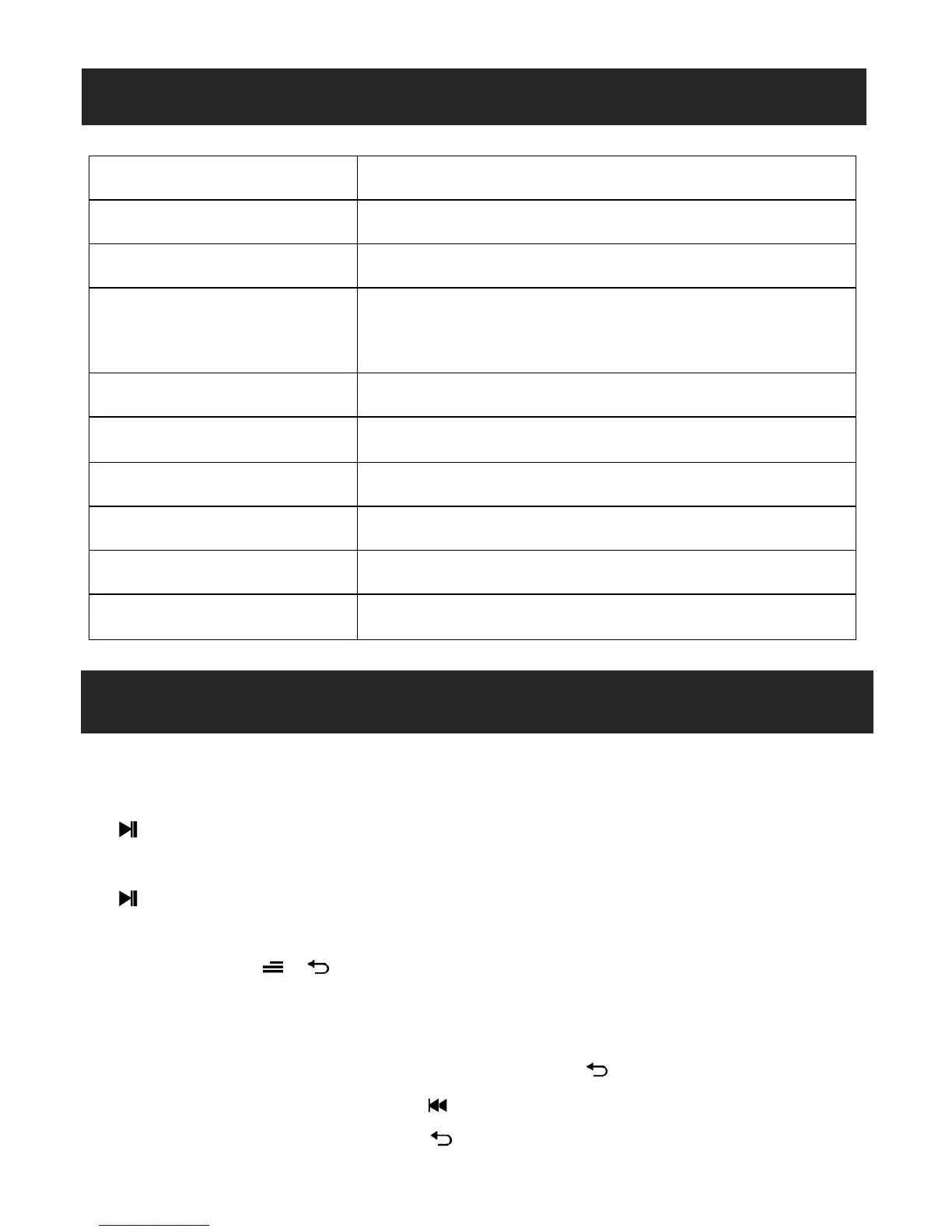
1.5 inch 128*128 TFT display
Flash memory
16GB
Bluetooth Version
4.0
Audio format
MP3/WMA/OGG/APE/FLAC/WAV/A
AC-LC/ACELP
Recording format
FM/MIC record and WAV
Battery
Li-polymer rechargeable 300mAh
FM frequency
87.0-108MHZ
Micro-SD card
Extend to 128GB
Photo format
JPG,BMP and GIF
Charging time
3 hours

Related product manuals