Download App
1. Download “GloryFit” from
“Apple store” or “Google play
store” (Android App store).
2. Scan the left QR code.
Note: Mobile phone must
support Android 4.4/iOS 8.0+
and Bluetooth 4.0+.
Binding
1. For first use, start App “GloryFit”, register
and log in.
2. Go to [Device]>[Add a new device]>[Select
device].
3. After searching, select and clip “G20” to
complete the connection.
Smart Watch - Main Menu
⦁ Main Interface
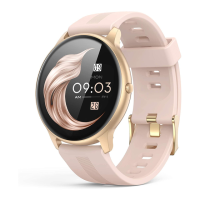
1. Watch: 3 Main interfaces are available.
Long press the screen on the main interface to
enter. Swipe left/right to switch, and click it to
confirm.


 To Next Page