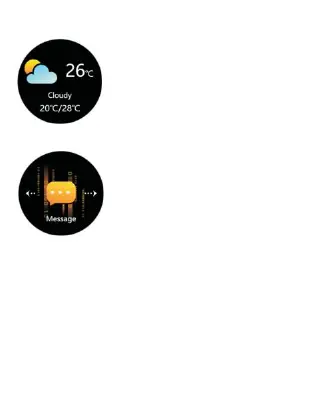
⦁ Weather
Display the current weather.
Only the watch connects
successfully to the App, the
weather information will be
shown or updated.
⦁ Message
Switch to the message
interface or swipe up on the
main interface to the message
interface, then select and click
the message you wanna check.
Click it to view the whole
content. Except viewing the whole content of
the message, swiping right the current
message also can exit the message.
⦁ Stopwatch
Tap the Stopwatch interface to access its
function. Swipe right to exit the recording
time.
⦁ Find


 To Next Page