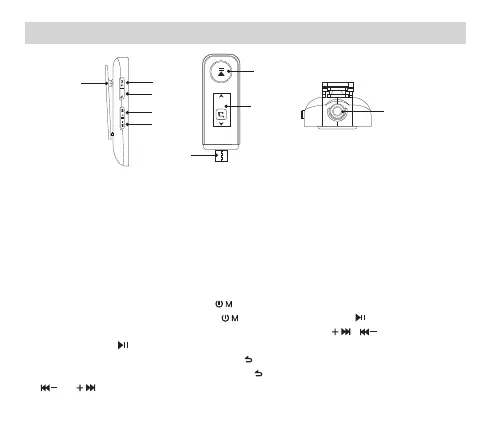
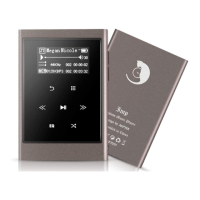
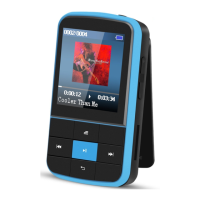
Buttons and Controls
Essential Functions
1. Power On/Off: Long press the button to turn on/off the player.
2. Screen Display: Short press the button or long press the button to activate the screen.
3. Browse Item: On the home menu or list menu, press the button / to browse the item,
press the button to enter.
4. Back: On any screen, short press the button to go back.
5. VOL+/-: On any screen, long press the button to access volume control function, press
or to increase or decrease the volume.
/VOL
/VOL
设置
⑨
⑥
⑦
⑧
①. Power On/Off /Menu
②. Back/Volume Shortcut
③. Next Track/Fast Forward/Down
Navigation/VOL +
④. Previous Track/Rewind/Up
Navigation/VOL -
⑤. Back Clip
⑥. Play/Pause/Screen Display
⑦. LCD Screen
⑧. Type-C Charging Port
⑨. 3.5mm Headphone Jack
/VOL
①
②
③
⑤
④
02



 To Next Page