aigo A208 Digital Audio Player USER MANUAL
Page 21
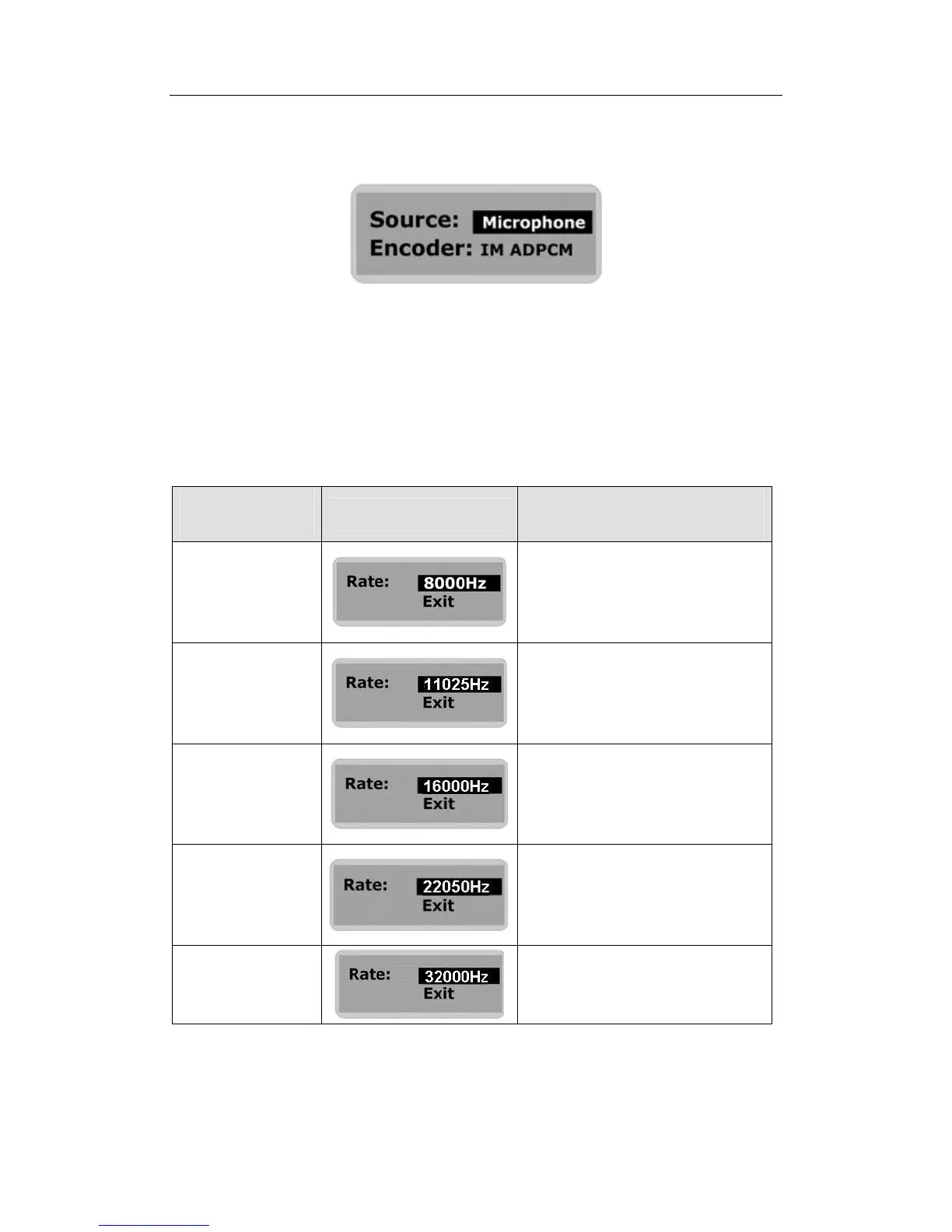
4. Use the Skip to Next (or Skip to Previous) button to select “Microphone” as the recording
source.
5. Press the MENU button to confirm your selection and enter the sub-menu.
6. Use the Skip to Next (or Skip to Previous) button to scroll through the options and select the
desired recording format.
7. Press the MENU button to confirm your selection.
8. Use the play button to scroll through the options and select the “Rate” option. Choose from
the Sampling Rate options listed in the table below:
Sampling
Frequency
Selected in LCD Screen
Maximum Recording Time
per 128MB
8000 Hz



 To Next Page