EasyManua.ls Logo

Aigo M1 - User Manual

Aigo M1
51 pages
Print Icon
To Next Page IconTo Next Page
Loading...
®
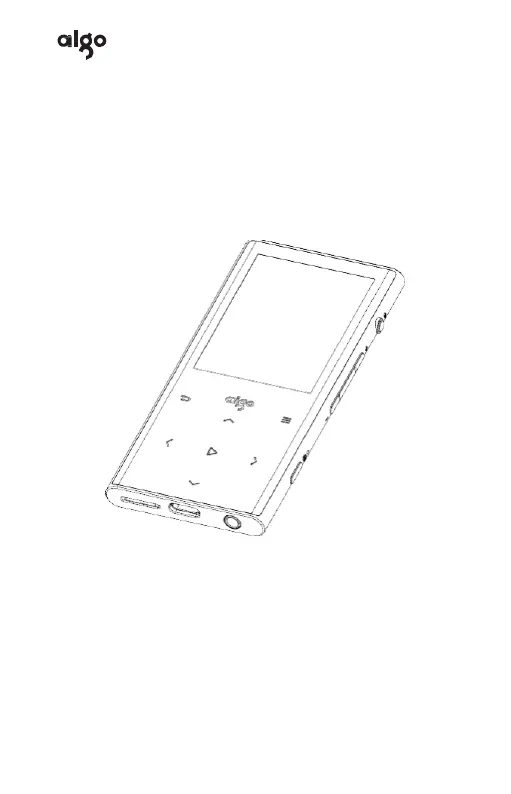
DIGITAL MUSIC PLAYER
Instruction Manual
M1
In order to fully enjoy your music
player, be sure to read this manual
carefully before you use your device
for the first time, and please keep it
for your future reference.

Other manuals for Aigo M1

Questions and Answers

  • B
    bakersamanthaAug 1, 2025
    Why is there no sound on my Aigo M1?
    • S
      sdavisAug 2, 2025
      If you're not getting any sound from your Aigo MP3 Player, there might be a few reasons: 1. Check if the volume is set too low. 2. Ensure your earphones are properly plugged in and not broken. 3. Make sure that the earphones are types supported by this product. 4. The music files might be corrupted or in an unsupported format.
  • D
    destinyeverettAug 17, 2025
    What to do if my Aigo M1 is unable to download files?
    • N
      nicholas39Aug 17, 2025
      If your Aigo MP3 Player can't download files, consider the following: * Verify that the device is properly connected to your computer. * Check if the TF card is damaged or doesn't have enough storage space.

Summary

Precautions

Controls

Turn on;off

How to power the device on, off, and put it to sleep.

Insert;Unplug TF Card

Instructions for inserting and removing TF cards from the device.

Charging

Details on how to charge the device using different methods and precautions.

Playing Music

Playback Modes

Explains sequential, single, repeat, and shuffle playback options.

A-B Repetition Setting

Guides on setting start and end points for repeated playback segments.

Volume Setting

Details on equalizer options and variable speed playback settings.

Bluetooth

System Setting

Troubleshooting

Aigo M1 Specifications

General IconGeneral
BrandAigo
ModelM1
CategoryMP3 Player
LanguageEnglish

Related product manuals