aigo® Digital Music Player
current music played.
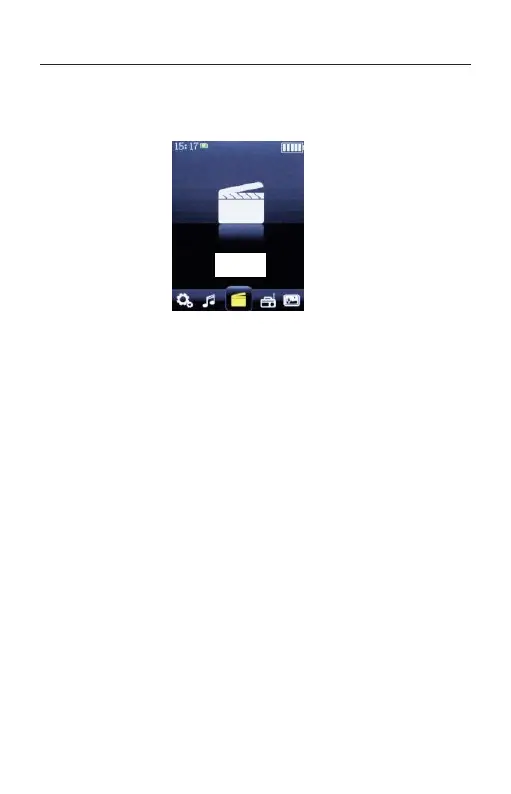
PLAYING VIDEOS
1. Select the desired search method and items
until a video list appears, and then select the
desired video.
Press the PLAY button. Playback starts and
the video playback screen is displayed. To
pause playback, press the button again.
2. Video formats and specifications:
Video formats: the player only supports
AVI and
AMV
.
Resolution ratio
: 240*320 Pixels.



 To Next Page