aigo® Digital Music Player
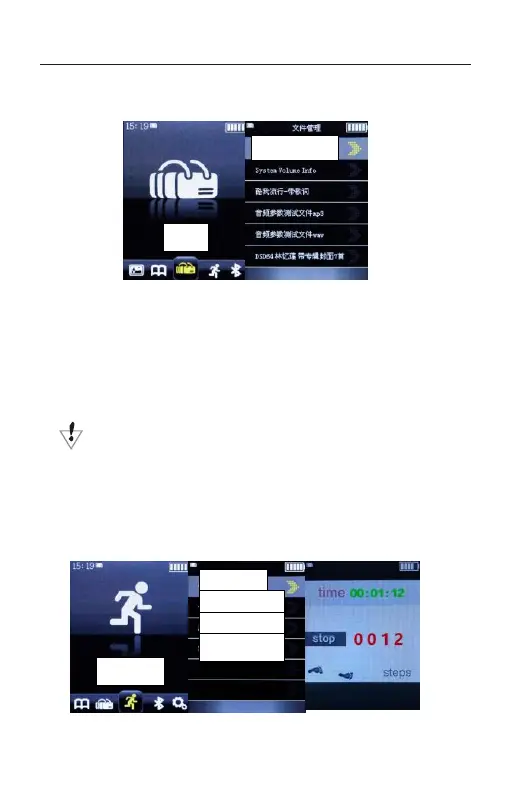
FILE MANAGEMENT
1. Press the PLAY button to enter the FILES in
order to check up.
2. Press the UP and DOWN to select the needed FILE
and press the PLAY button to confirm.
3. Press the BACK button to exit.
Before you enter the FILES, please insert the TF
card with files downloaded.
PEDOMETE
R



 To Next Page