aigo® Digital Music Player
PLAYING MUSIC
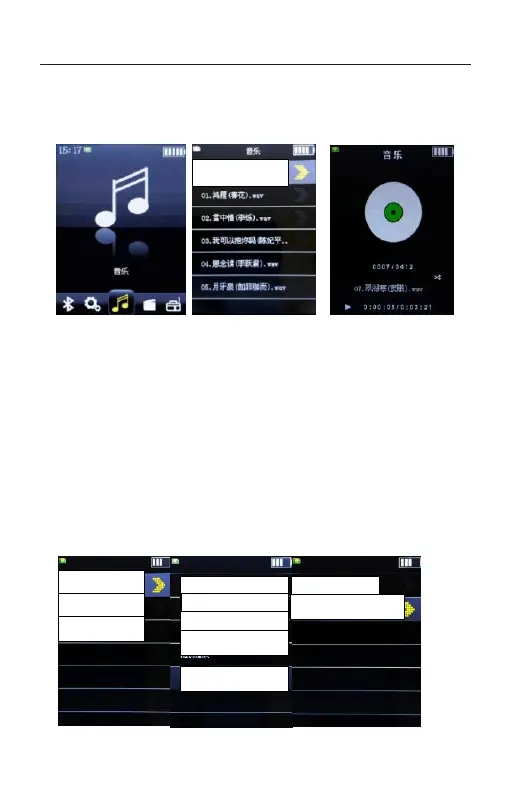
From the Home menu, select [Music].
Select the desired search method and items until a
song list appears, and then select the desired song.
Press the PLAY button. Playback starts and the music
playback screen is displayed. To pause playback, press
the button again. Shortly press the MENU button to
enter the music setting. Press UP/DOWN button to
select menu and press the PLAY button to confirm.



 To Next Page