aigo® Digital Music Player
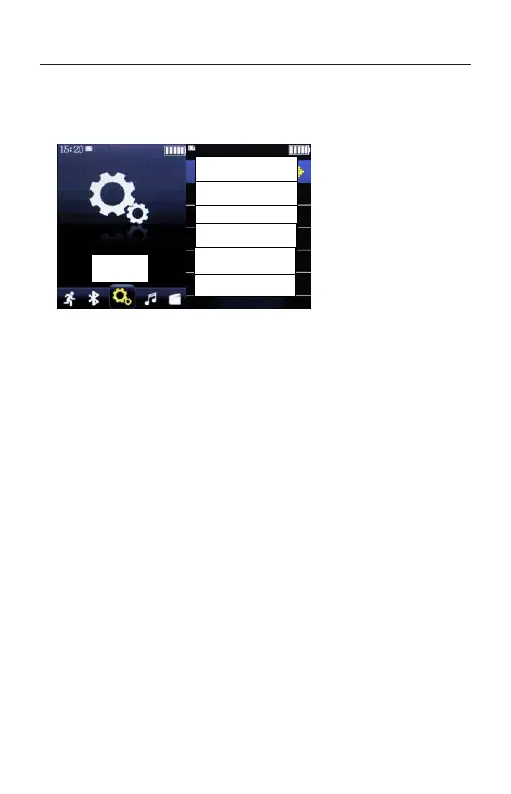
SYSTEM SETTING
Press the PLAY button to enter SETTING. Press the
UP and DOWN to select the desired menu and press the
PLAY button to confirm.
1、Timing shutdown in Power Saving Mode: after
setting the timing shutdown, the machine will
automatically shut down at the specified time.
The machine provides step-by-step options for
"off" and "1 ≤ 99" minutes.
Idle shutdown: when the device is not in the
playback state and no-operation state, when it reaches
the set idle shutdown time, the device will
automatically shut down to save electricity. This device
provides six options: off, 5 minutes, 10 minutes, 15
minutes, 30 minutes, and 60 minutes.
2、Recording setting



 To Next Page