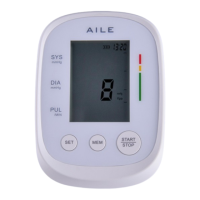
14
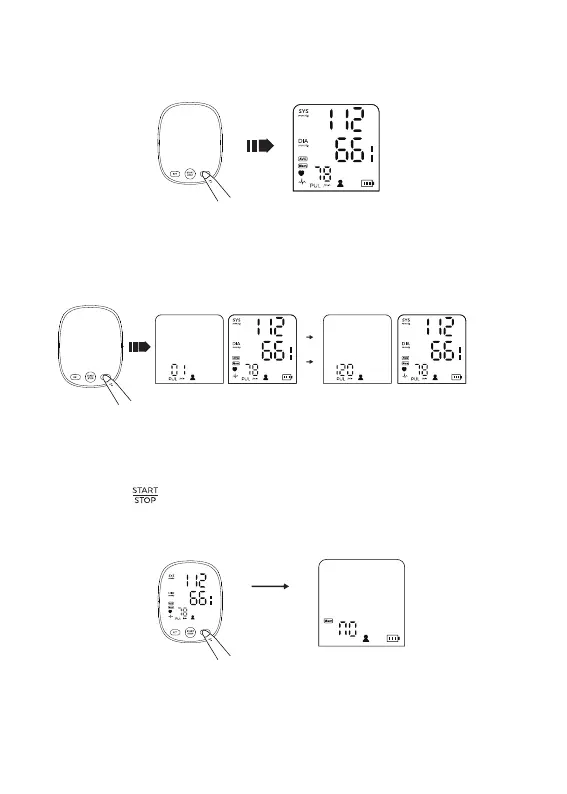
2.8.1 To enter the memory mode & to read the average value
Press the “ MEM ” button while the unit is off, the unit becomes the
memory mode and the average value of the latest 3 times
measurement values of the current user will be displayed.
2.8.2 To read the measurement value
Press the “ MEM ” button when power off, the latest measurement
values will be displayed.
Press the “ MEM ” button once more, the measurement values
before the latest will be displayed, and so on.
2.8.3 To delete the memory value
■ In the memory mode, long press the “ MEM ” button, the unit
displays the following symbol to cancel all the memory records of
the current user.
■ Press the “ ” to cancel the memory records of the current user
if you are sure all the data of corresponding user can be deleted,
the unit will be turned off after deleting.
■ Please operate the delete memory function cautiously.


 To Next Page