Page 68
10 Default Settings | Power On State | Hard Reset
10.1 Restoring to Factory Defaults
When shipped from the factory, the set-up of the instrument is as described within Appendix B
(section 18). The instrument can be returned to its factory defaults condition from
Setup/Functions > Setups > Load Defaults (see section 4.8.1).
10.2 Standard Preset
The standard preset is accessed by pressing the hard key marked Preset. It returns the
instrument to a set of known conditions as below:
(Note that some parameters are relevant only if option U02 is fitted)
Frequency/Span
(Mode = Centre/Span)
Sweep Control = Repeat
Trigger = Free Run, Auto Rearm
Sweep Mode = Normal (Auto)
Detector Type = Default (+ve)
Units = dBm, Graticule =
Normal
Scale = Normal (10db/div)
75Ohm Compensation = Off
Fixed Offset = Off
Limit 1 = Off, Limit 2 = Off
Live Trace = On,
View Trace = Off
Marker 1 = On, Marker 2 = Off
M1 = 3005MHz / 1805MHz
Markers Function = Scroll
M1 Fix = Off
Parameters not included within the listing above are left unchanged.
The User Preset is a customisable version of the Standard Preset whereby any of the
parameter values of the standard preset can be changed to match the requirements of the
current user – see section 4.10.1.
10.3 Unrecoverable Fault Condition - Hard Reset
If the spectrum analyzer gets into a condition in which normal operation is not possible, it can
be returned to normal operation by reloading the Factory Default settings - see section 4.8.1.
However, if it “locks up” (i.e. will not respond to key presses) or
cannot be recovered by using Load Defaults, it can be put
through a Hard Reset.
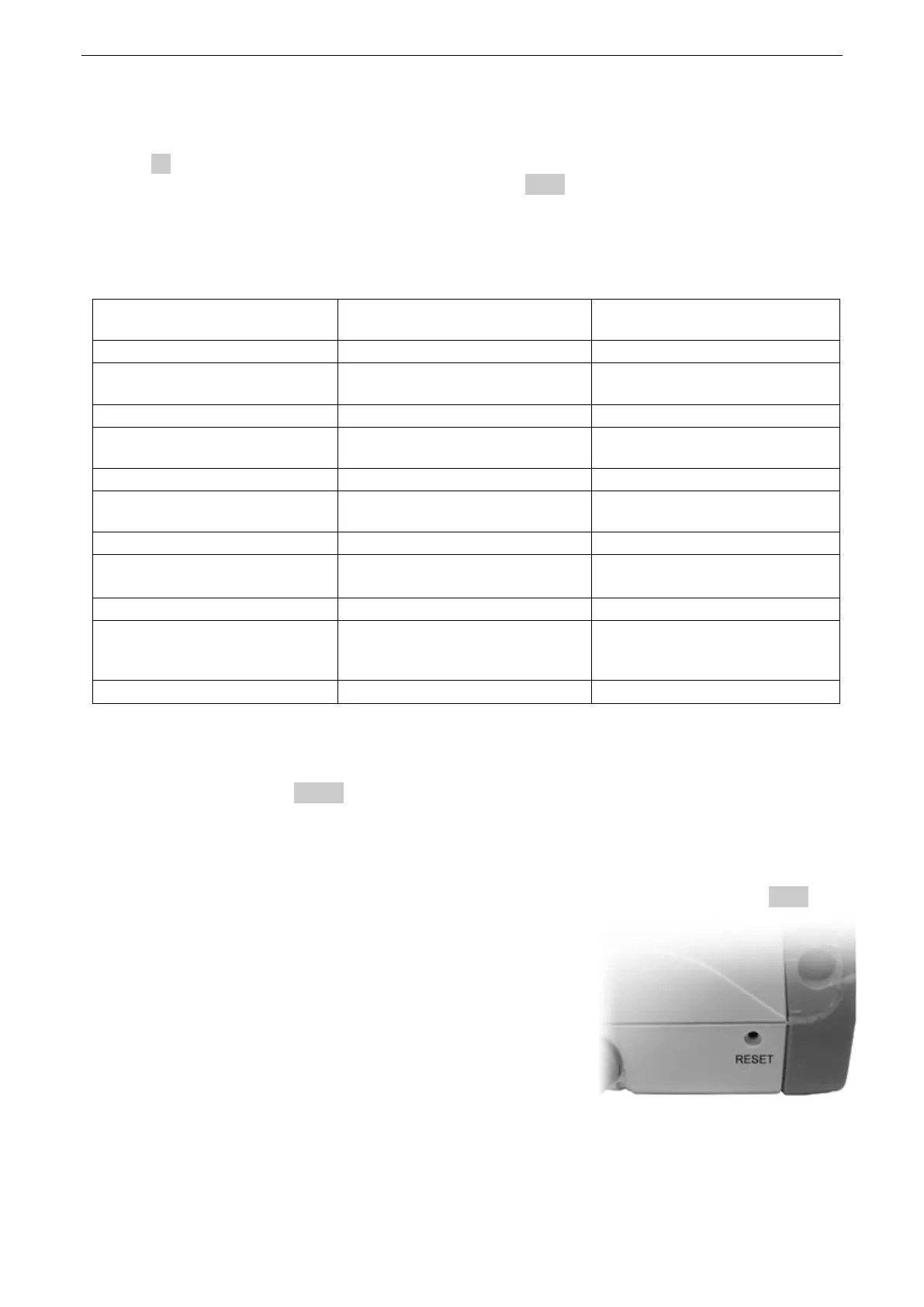
The reset button is accessed through a small hole at the top
right hand side of the case. It can be operated using the stylus
(or other thin rigid object). Press and hold for longer than 1
second.
Hard Reset will re-load the operating system, return all
parameters to their factory defaults, and clear all of the non-
volatile buffers. User data and settings that have been saved
as files will not be affected.


 To Next Page