CHAPTER 2
18
SmartyCam HD
connected to an external power source
Start/Stop recording
In case SmartyCam HD is connected to an
external 12V power or to the AiM CAN Net-
work, it works in a fully automatic way: it
turns itself ON and OFF when the external
power drops down.
The internal battery is charged during the
activity.
There are three ways for starting and stop-
ping video recording:
n
Manually
push the pushbutton REC to start recording
and the pushbutton STOP to stop recor-
ding.
n
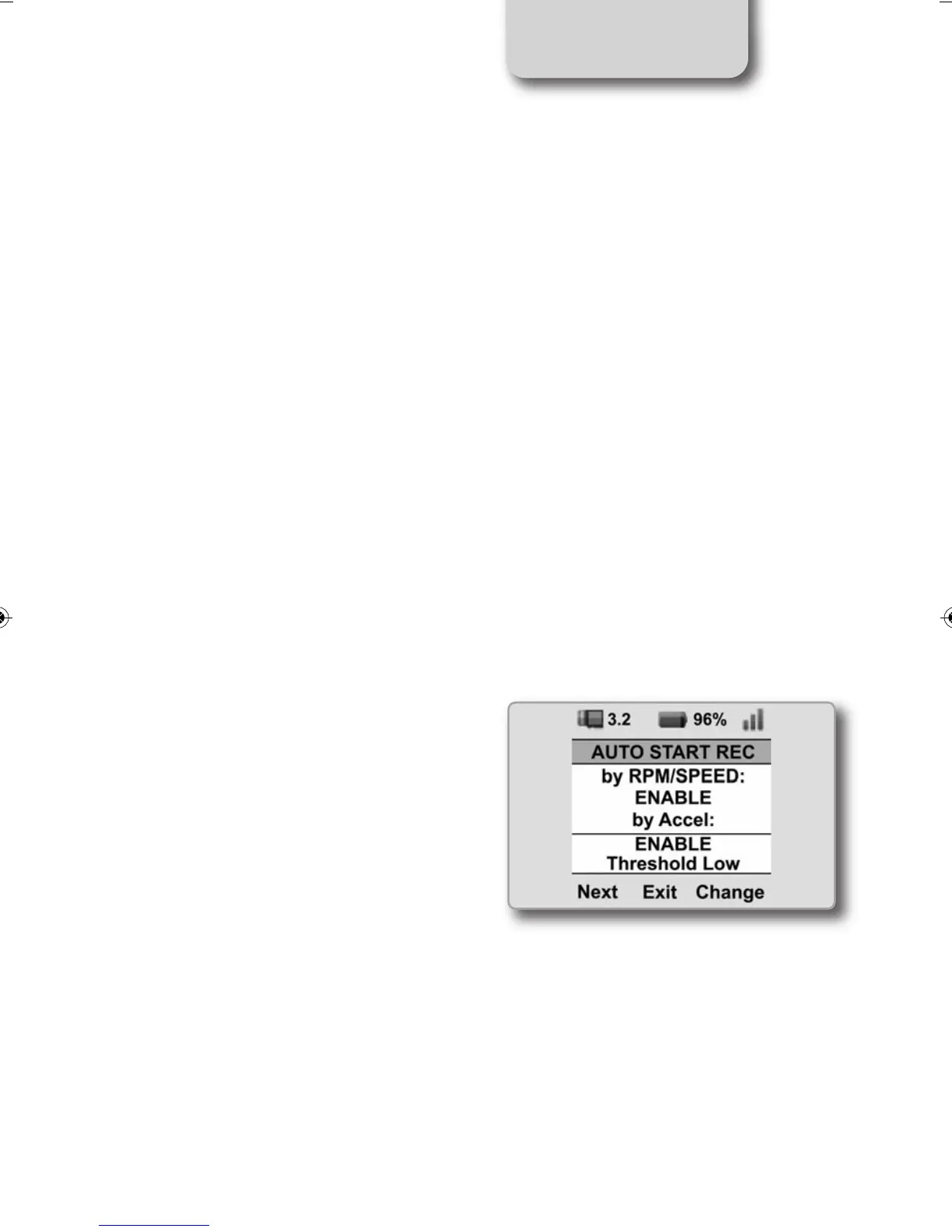
Depending upon the acceleration
SmartyCam HD has an internal, three-axis
accelerometer that controls the start/stop
recording.
It is possible to define three different
thresholds: Low, Medium and High.
These thresholds may be configured by
selecting
MENU>>SETTINGS>>AUTO START REC
SMARTYCAM HD MANUALE ENG _Layout 1 24/07/13 20.41 Pagina 19



 To Next Page