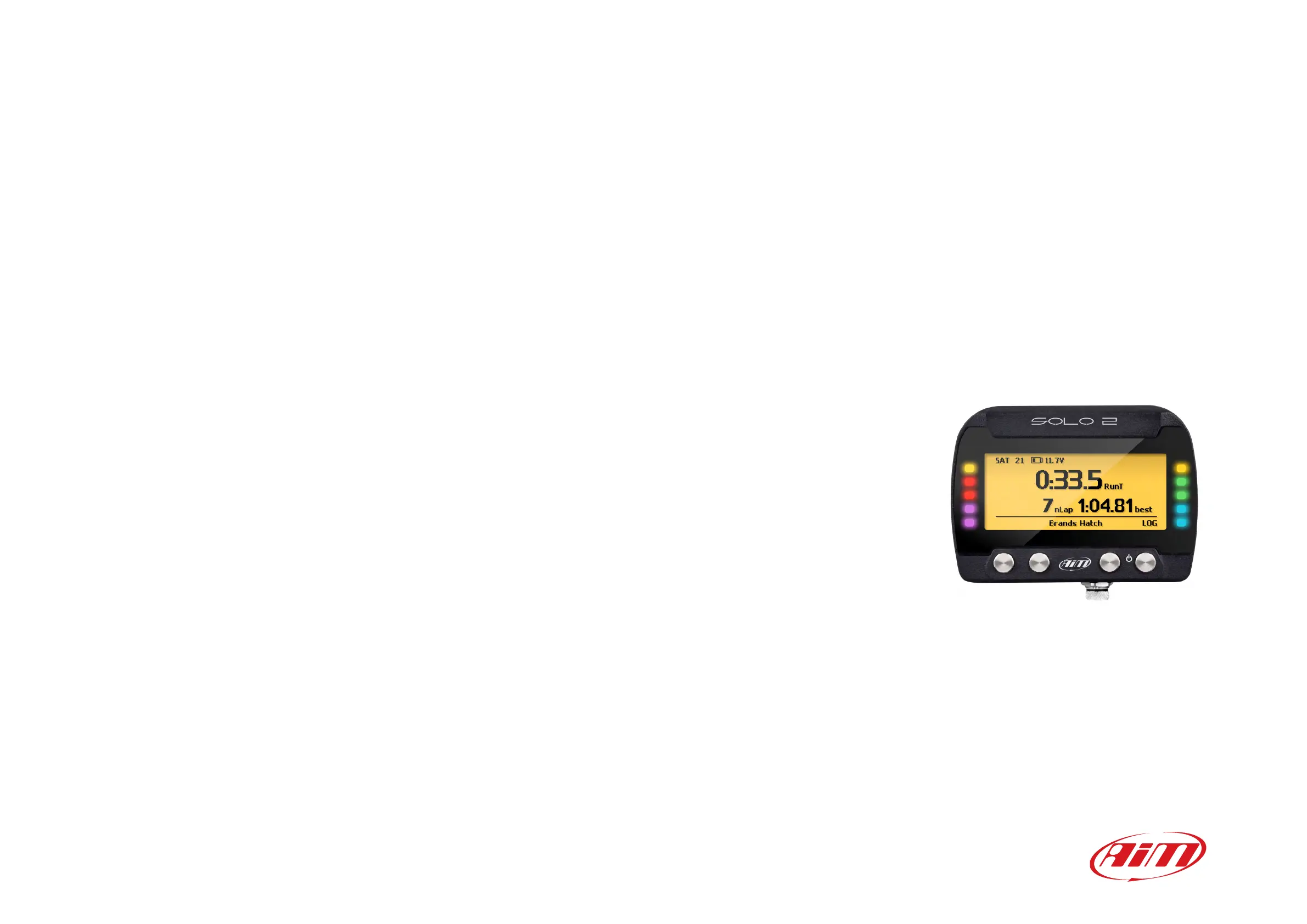
1 – Solo 2 in a few words
2 – What is in the kit?
3 – Installation, powering and accessories
4 – At power on
5 – Configuration menu
5.1 – Type of racing
5.2 – Track management
5.2.1 – Track creation with with Solo 2
5.3 – Display setup
5.3.1 – Backlight
5.3.2 – Pages Setup
5.4 – Wi-Fi
5.5 – System settings
5.5.1 – Unit of measure
5.5.2 – Led Bar (Type of race: speed only)
5.5.3 – Date Time
5.5.4 – Language
5.5.5 – Clear Memory
5.5.6 – System info
6 – On the track
6.1 – Track page
6.2 – Other pages
7 – Data Recall
7.1 – Data Recall “Speed” mode
7.2 – Data Recall “Performance” mode
8 – Wi-Fi configuration
8.1 – Configuring Solo 2 as an access point (AP)
8.2 – Adding Solo 2 to an existing network
8.3 – Wi-Fi network settings
8.4 – The Internet connectivity
8.5 – Connection issues
8.6 – Working on Mac
TM
with virtualized Windows
TM
8.7 – Connected device visualization issues
9 – PC connection
10 – Track Management
11 – Data download
12 – Data Analysis
13 – New firmware upgrade
14 – Technical specifications and drawings
2
4
6
7
7
8
9
10
15
15
16
17
17
17
18
19
19
19
19
20
20
21
22
22
23
24
25
27
30
31
31
32
33
34
35
36
36
37
38
Solo 2
User Manual 1.01
GPS Lap Timer


 To Next Page