EasyManua.ls Logo

AINSWORTH A560X-S32 - User Manual

AINSWORTH A560X-S32
108 pages
Print Icon
To Next Page IconTo Next Page
Loading...
Pari-Mutuel
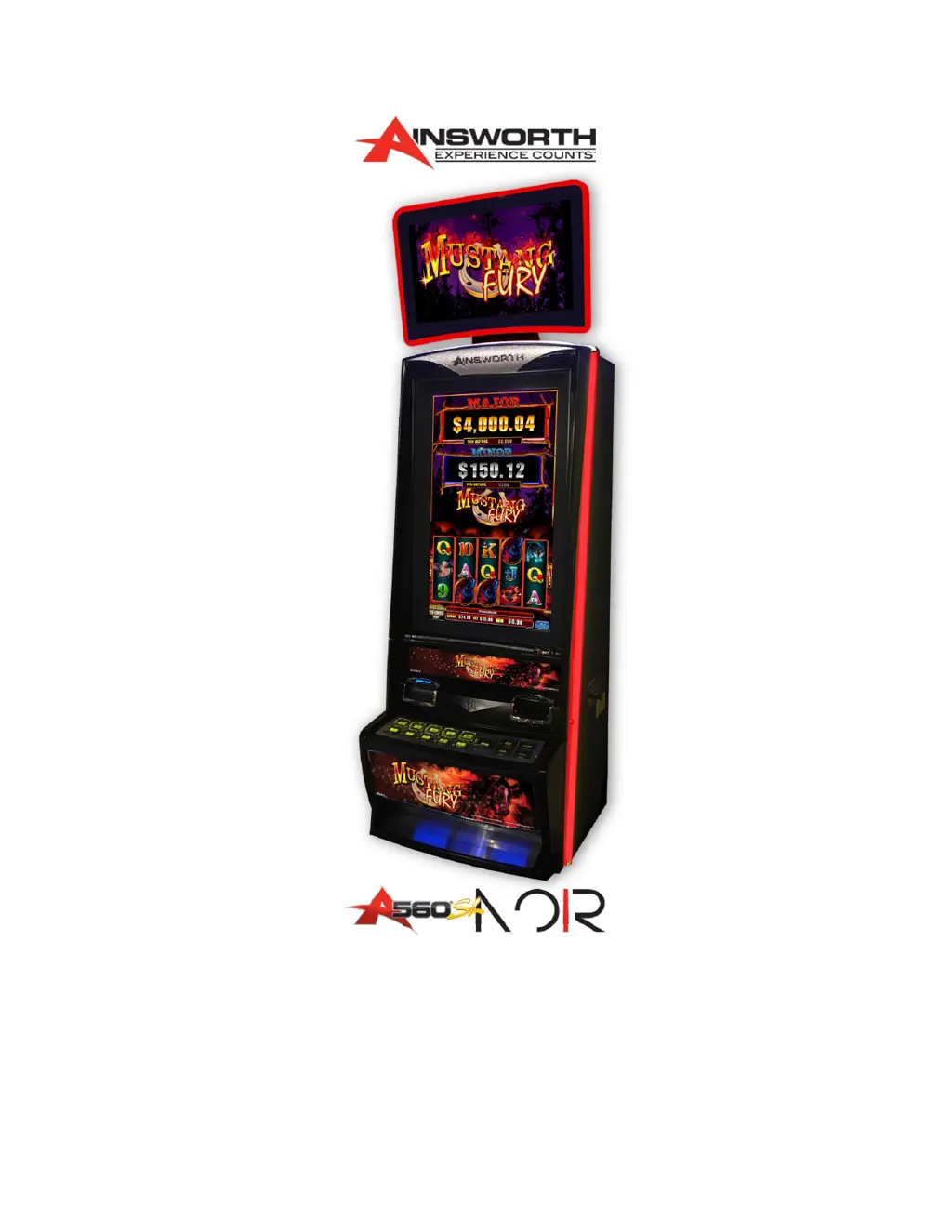
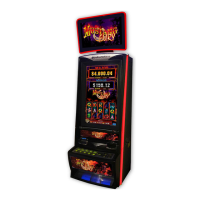
Wagering Terminal
Service Manual
985 103 – 19 Rev A

Table of Contents

Questions and Answers

  • J
    John KellyAug 7, 2025
    Why is there no display on my AINSWORTH A560X-S32 Arcade Game Machines terminal?
    • V
      Vanessa BarnesAug 7, 2025
      The absence of a display on your AINSWORTH Arcade Game Machines terminal can be attributed to several factors: * Monitor settings being too dark. * A faulty Power Save operation of the Power Supply. * A faulty Monitor. * A faulty main board.
  • G
    Gabriel JonesAug 13, 2025
    What to do if my AINSWORTH A560X-S32 terminal does not operate?
    • B
      benjaminsanchezAug 13, 2025
      If your AINSWORTH Arcade Game Machines terminal isn't working, check the following: * Ensure the mains power lead is properly plugged in and turned on. * Verify the power switch on the Note Stacker is turned on. * Inspect the fuses on the Power Supply for any blown fuses. * Consider the possibility of a faulty Power Supply.
  • X
    xfosterAug 19, 2025
    Why does my AINSWORTH Arcade Game Machines terminal not accept bank notes?
    • J
      joseph40Sep 12, 2025
      If your AINSWORTH Arcade Game Machines terminal is not accepting bank notes, the issue might be: * Contaminated or damaged Note Validator Optical Sensors. * A faulty Note Validator Unit.
  • J
    Jennifer ReynoldsAug 25, 2025
    Why is there no sound from my AINSWORTH A560X-S32 terminal?
    • A
      Andrew WilsonAug 25, 2025
      The absence of sound from your AINSWORTH Arcade Game Machines terminal, or from one side of it, may be due to: * Faulty speaker(s). * Corrupted sound. * Improper connection or a faulty Main Board with an onboard sound card.
  • O
    ortegakellyAug 30, 2025
    Why are the button lamps not illuminating on my AINSWORTH Arcade Game Machines?
    • J
      James SullivanAug 31, 2025
      If the button lamps on your AINSWORTH Arcade Game Machines are not lighting up, it could be because: * The button lamp is blown (for single lights). * The connector on the button is disconnected. * There is an improper connection to the Backplane Board (for all lights). * There is open circuited wiring.

Summary

Wagering Terminal Physical Components and Basic Operation

Terminal Body Assembly

Details the main terminal assemblies, external locks, and key access points.

Single 32-inch Monitor Assembly

Describes the monitor mask/door assembly and the LCD monitor assembly.

Main Door Assembly Components

Outlines components within the main door, including speakers and coin validator.

Belly Panel Door Assembly Details

Explains the belly panel door, button panel, artwork, and lighting access.

Internal Components Overview

Illustrates the major internal components of the wagering terminal.

Note Validator Assembly

Details the note validator unit, its bezel, and locking mechanisms.

Note Stacker Functionality

Describes the note stacker's capacity, storage, and removal process.

Optional Printer Unit

Explains the optional ticket printer and its paper feeding and dispensing slots.

Patron Tracking Module Provision

Discusses the space and mounting options for a patron tracking module.

Logic Cage Assembly

Describes the logic cage, its security features, and access to the mainboard.

Mainboard Assembly

Details the mainboard, its components like CFast cards, and status LEDs.

Backplane Board Function

Explains the backplane board's role in connecting peripherals and the mainboard.

Basic Operation Procedures

Covers terminal power-up, initialization, play mode activation, and game display.

Terminal Specifications

Provides detailed physical, electrical, and environmental parameters of the terminal.

Standards of Compliance

Lists the mandated regulations and standards the terminal adheres to.

Button Panel Components

Details the illuminated push buttons used for patron interaction with the terminal.

Door Optics Functionality

Explains the function of door-mounted and terminal-mounted optical sensors for door status.

Speaker System

Describes the location and purpose of speakers for audio output to patrons.

Wagering Terminal Installation and Conversions

Terminal Dimensions

Provides dimensional drawings and specifications for the A560X-S32 Wagering Terminal.

Pre-Installation Inspection

Outlines procedures for inspecting the terminal after transit and during installation.

Mounting Instructions

Details the hardware and steps required for securely mounting the terminal.

Terminal Installation Procedure

Covers the procedure for installing the terminal, including configuration and boot-up.

Technician Maintenance and Troubleshooting

System Maintenance and Audit Mode

Access and use of maintenance/audit mode for diagnostics and testing.

Bill Acceptor Validator Test

Procedure to test the functionality of the bill acceptor unit.

Printer Test Procedure

Basic test to verify the printer's software acknowledgement and print output.

Touchscreen Calibration

Steps to calibrate the touchscreen for accurate input and response.

Door Switch Test

Checking the status of door interlocks and sensors for proper operation.

Terminal SHA-1 Verification

Verifying software and BIOS integrity using SHA-1 hashes against approval documents.

General Maintenance

Covers routine servicing, cleaning, component handling, and basic electrical checks.

Note Validator Jam Clearing

Procedure for clearing jams within the note validator unit.

Note Validator Cleaning

Instructions for cleaning the note validator sensors to maintain performance.

Circuit Breaker Resetting

Steps to safely reset the terminal's internal circuit breaker.

Troubleshooting Common Issues

Identifies common terminal symptoms, possible causes, and recommended solutions.

AINSWORTH A560X-S32 Specifications

General IconGeneral
BrandAINSWORTH
ModelA560X-S32
CategoryArcade Game Machines
LanguageEnglish

Related product manuals