-4-
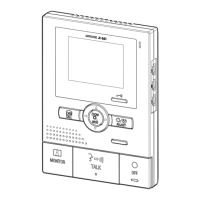
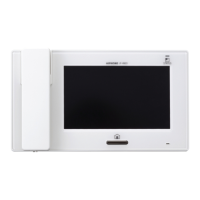
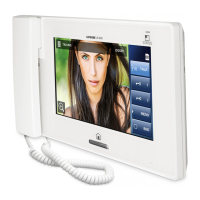
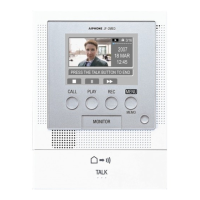
Notification LED
Refer to the "Operation Manual" for other indicators not
listed.
Blue LED is lighting during
startup.
Blue LED is lighting when the
ringtone volume is set to "0".
Blue LED is lighting when talk
direction is monitor station to
door station.
On (0.25
sec.)
Off (0.25
sec.)
When a short circuit is detected
in the door station wiring or the
expansion monitor station
wiring.
On (0.5 sec.)
Off (0.5 sec.)
The LED
turns off after
flashing 3
times.
Blue LED is flashing when
you tap to unlock the
electric lock.
Blue LED is flashing when
you tap to activate the
external unit.
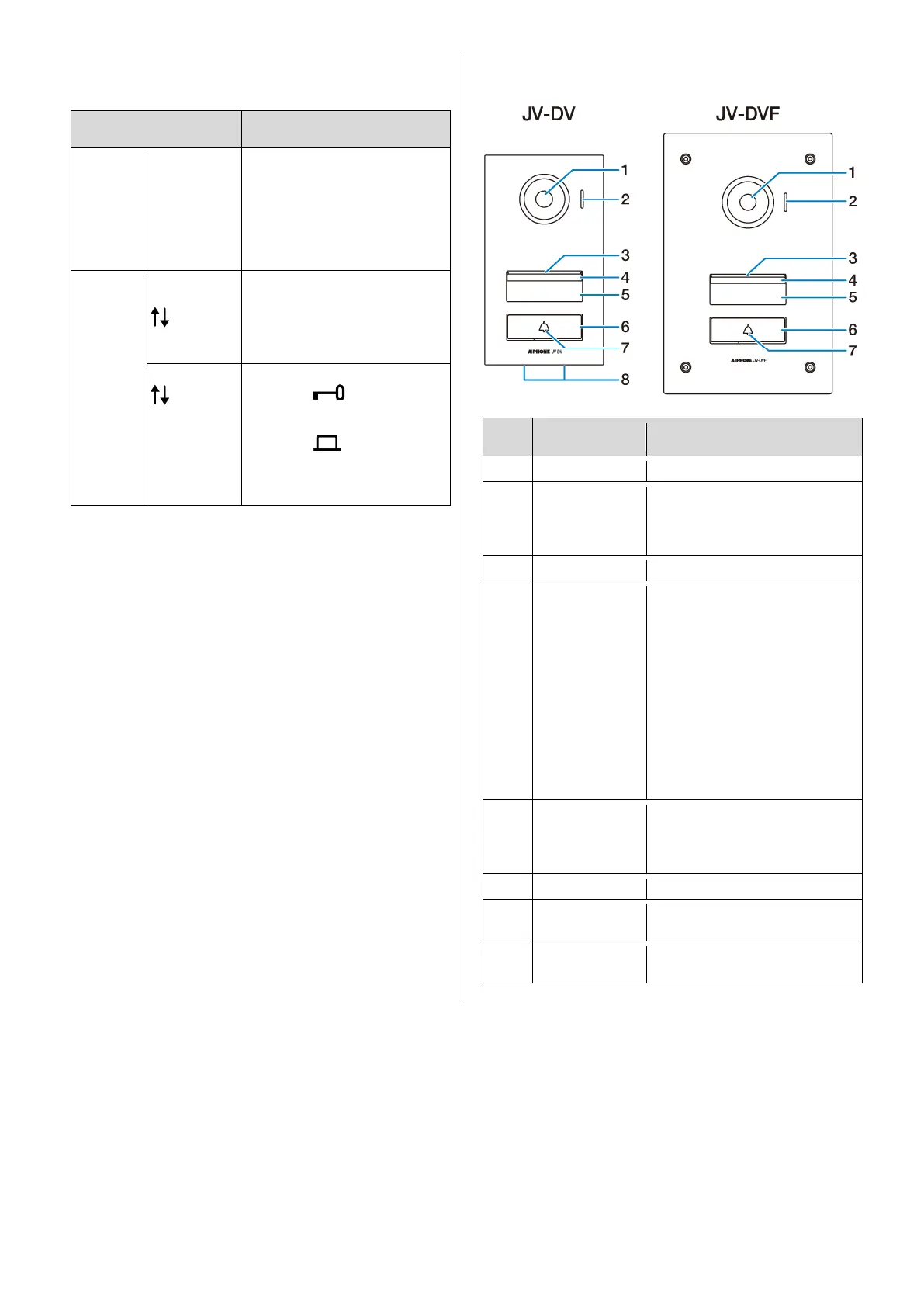
Do not block the microphone with
stickers or tape. Otherwise,
communication may not be
possible.
The white light LED is always lit
while the power is on. When the
station detects dark conditions,
the light automatically brightens.
These conditions include:
The call button is pressed.
While an image at the door
station is displayed on the
monitor station.
The door is released.
However, it may not become
brighter depending on local
conditions.
Do not put a sticker over the
nameplate cover. This will
decrease the LED's nighttime
illumination.
The backlight is always lit while
the power is on.
Holes for discharging rain water
from inside the station.



 To Next Page