ATTENTION
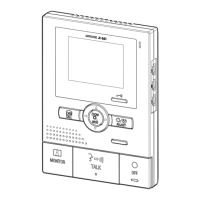
Do not embed the station inside a wall.
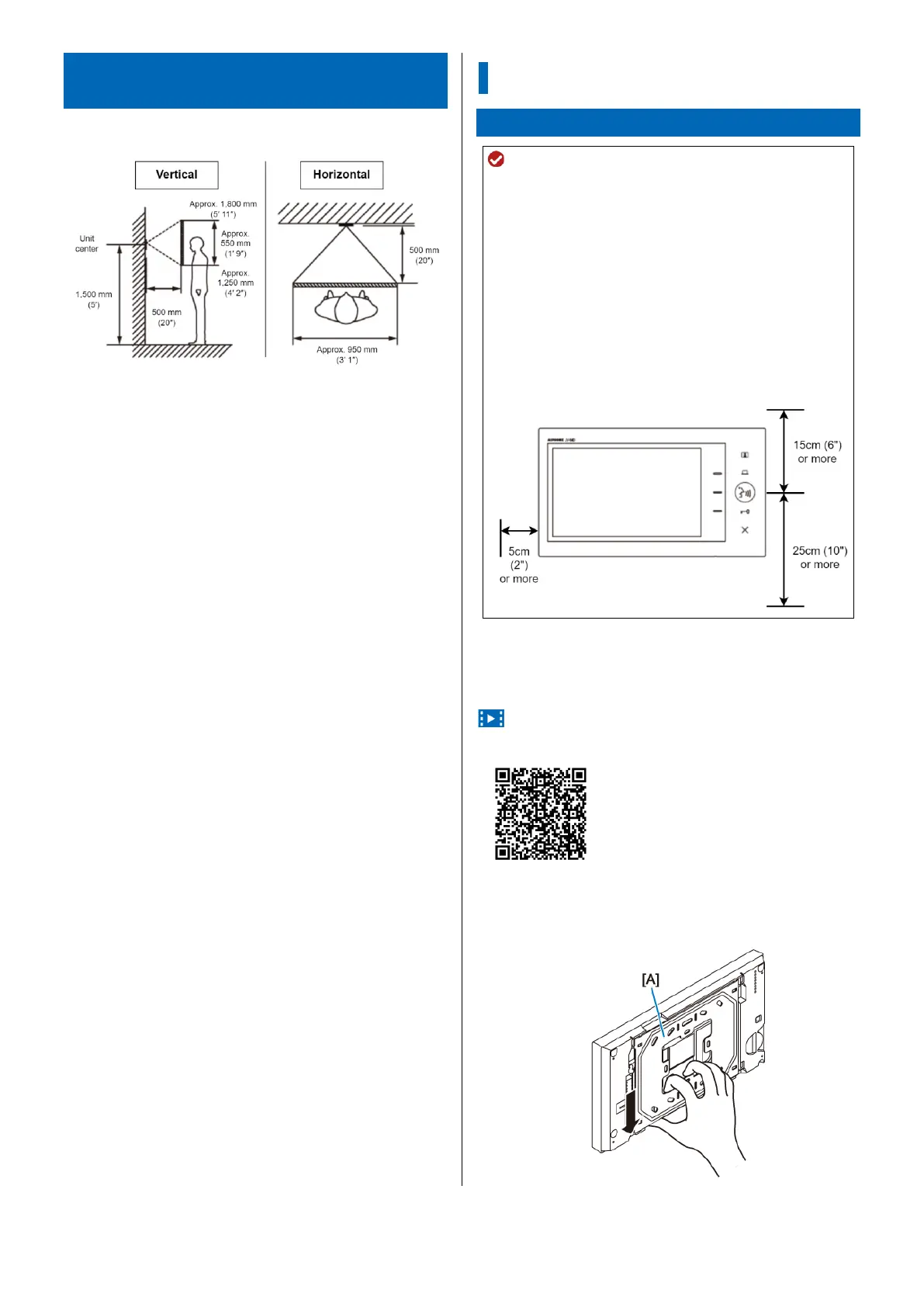
To prevent malfunction, install the station at least 20 cm
(8") away from other devices (e.g., floor heating remote
control).
Avoid installing the station in a concave space in a wall
to prevent audio distortion.
The location of the station requires the following open
spaces to prevent malfunctions or call interruption.
15 cm (6") or more above the center of the station.
25 cm (10") or more below the center of the station (to
allow operation of the reset button on the bottom of
the station).
5 cm (2") or more on the left side of the station (to
avoid blocking the speaker).
Back wiring
Installation video
https://www.aip-info.net/file/manual/j/JV-1MD/JV-1MD_INS/JV-
1MD_INS_EN/content/attachments/101959052/101968970.mp4
1 Remove the mounting bracket [A] from the
back of the station.
Slide the mounting bracket down, and remove it.



 To Next Page