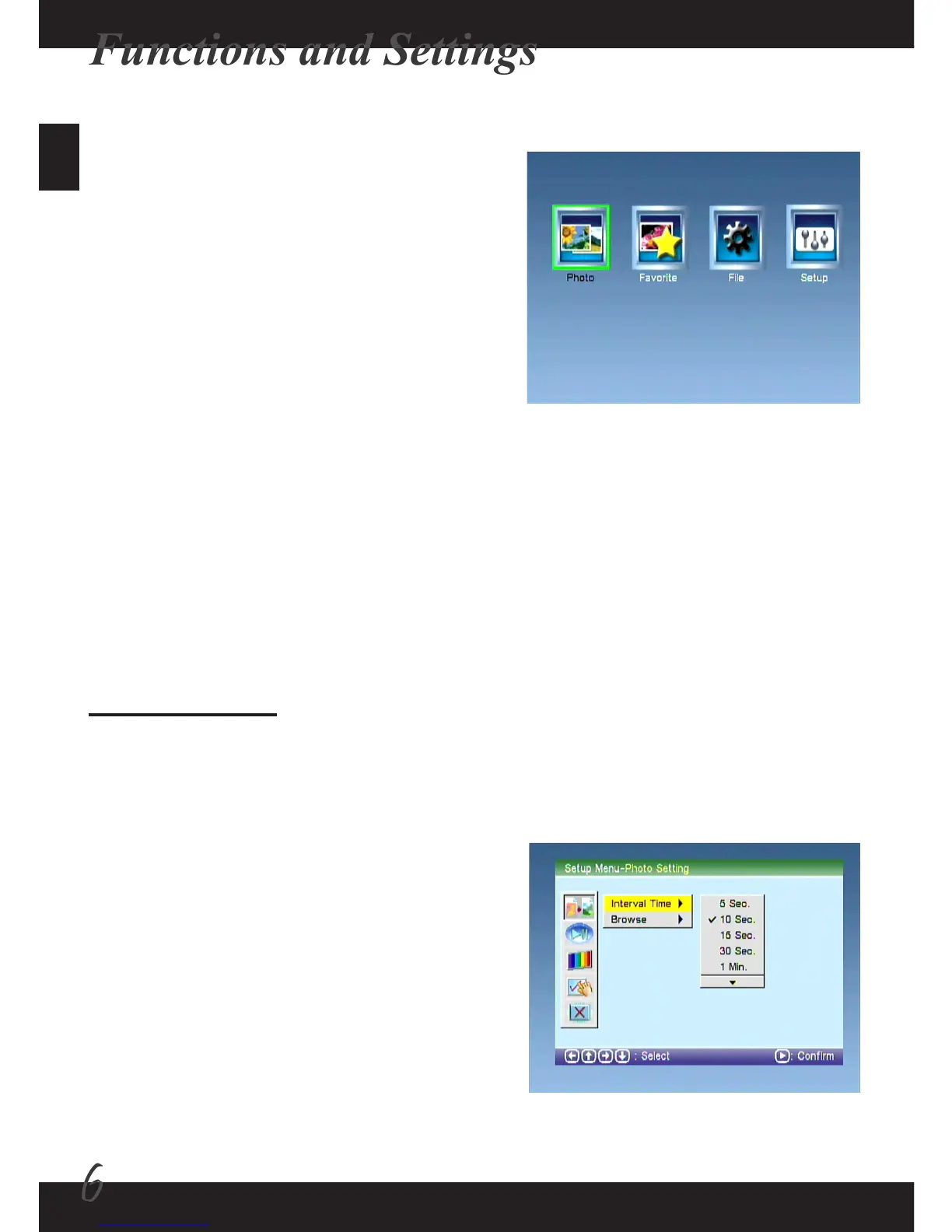
The Setup function provides many menu items for you to ne-tune your photo frame.
Use the left and right buttons to select the Setup item and press the Enter button to
enter the Setup interface. Press the ESC button to return to the main interface.
1) Photo Setting:
Set up the following items by using the directional buttons to move the highlight box
and pressing the Enter button to conrm.
1-1) Interval Time:
Setup the interval time between picture
display in the slideshow. There are 9 options:
5 seconds / 10 seconds / 15 seconds / 30
seconds / 1 minute / 3 minutes / 5 hour / 10
hour / 24 hour.
Selecting function
Power on the photo frame, and the main
interface will show up after the start-up
screen. If the “Auto-Play” (slideshow) feature
is enabled, the slideshow of pictures stored
in the internal memory or memory card/USB
drive will be launched automatically. You can
press the ESC button to return to the main
interface at any time. There are four items in
the main interface: Photo, Favorite, File and
Setup.
The Setup function - 1



 To Next Page