EasyManua.ls Logo

AIPTEK Pocket DV6800LE - User Manual

AIPTEK Pocket DV6800LE
506 pages
Print Icon
To Next Page IconTo Next Page
Loading...
82-420-91010v1.0
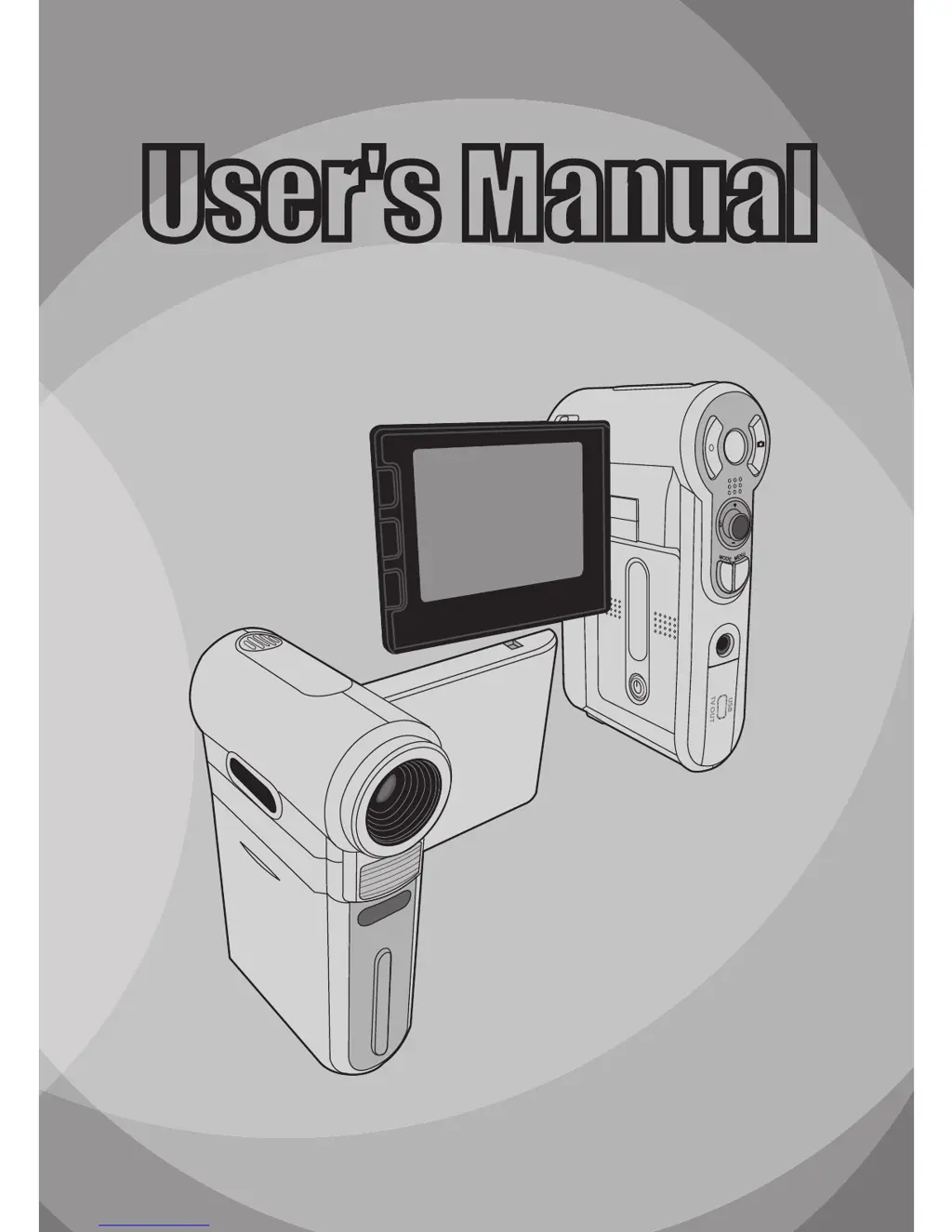
User's Manual
User's Manual
English

Table of Contents

Questions and Answers

  • J
    John ObrienAug 19, 2025
    What to do if my AIPTEK Pocket DV6800LE won't take pictures or videos?
    • L
      Lori WatkinsAug 19, 2025
      If your AIPTEK Camcorder isn't taking pictures or videos, it might be due to several reasons: the memory could be full, so try freeing up space on your SD/MMC card or internal memory. The camera might be recharging the flash; wait until it's fully charged. Also, check if you're using a protected SD card and set it to writable.
  • O
    ortiztanyaAug 21, 2025
    How to fix AIPTEK Pocket DV6800LE that won't turn on?
    • R
      Robert WelchAug 21, 2025
      If your AIPTEK Camcorder isn't powering on, the battery may be out of power. Replace the battery. Also, check if the battery is incorrectly installed and re-install it.
  • L
    Lisa KnightAug 25, 2025
    What to do if AIPTEK Pocket DV6800LE freezes and doesn't respond?
    • S
      simmonsjohnAug 25, 2025
      If your AIPTEK Camcorder stops responding, it might be due to a software failure. Try removing the battery pack, then replace it and power the camera on again.
  • B
    brandonparkerAug 26, 2025
    Why does my AIPTEK Camcorder say 'Memory Error' or 'Card Error'?
    • T
      Thomas MillerAug 26, 2025
      If your AIPTEK Camcorder displays a 'Memory Error' or 'Card Error' message, or the camera can't read the memory card, the format of the memory card might not be compatible with the camera. Use the camera’s “Format” function to format the card. Alternatively, the memory card could be corrupted, so replace it with a new one.
  • T
    Thomas AlexanderAug 28, 2025
    How to fix AIPTEK Camcorder driver installation failure?
    • M
      Mark MartinAug 28, 2025
      If the driver installation failed, it could be due to abnormal termination of the installation. Remove the driver and related programs, then follow the installation steps in the manual to reinstall the driver. Also, ensure you install the driver before plugging in the USB cable.
  • P
    petersonlisaAug 30, 2025
    What to do if AIPTEK Pocket DV6800LE Camcorder LCD screen is not displaying?
    • M
      Melissa CampbellAug 30, 2025
      If your AIPTEK Camcorder is on but the LCD monitor isn't displaying, the LCD monitor may have automatically shut down to save power because the camera has been idle for over one minute. Press any button except the power button to reactivate the display.
  • K
    kelly57Sep 1, 2025
    Why are my AIPTEK Pocket DV6800LE pictures blurry?
    • Z
      zmanningSep 1, 2025
      If your recorded pictures appear too blurred, the focus may not be correctly set. Adjust the focus to an appropriate position.
  • H
    heather14Sep 3, 2025
    Why are my AIPTEK Pocket DV6800LE Camcorder videos too dark?
    • T
      Tami HinesSep 3, 2025
      If the recorded pictures or video clips appear too dark, the environment may not have adequate light. Use the flash strobe when taking pictures, and add extra light sources when recording video clips.
  • J
    Jeremiah CarrSep 5, 2025
    Why is the flash strobe not working on my AIPTEK Camcorder?
    • D
      Devon AdamsSep 6, 2025
      If you cannot use the flash strobe, the battery icon may indicate low battery. Replace the battery, as the flash strobe may be disabled due to insufficient voltage.
  • M
    Martin JamesSep 8, 2025
    Where are my missing AIPTEK Pocket DV6800LE pictures and videos?
    • E
      Eric WalkerSep 8, 2025
      If you can't find pictures and video clips in the memory card, the recordings might be saved in the internal memory. This can occur if you insert a memory card after taking a few pictures or video clips. You can access those files after removing the memory card.

Summary

Safety Notice

Getting Started

Knowing your camera parts

Identifies and labels the various parts of the digital camcorder.

Installing the battery

Step-by-step guide on how to install the rechargeable Li-Ion battery.

Using the charger

Instructions for charging the camera's battery pack using the provided charger.

Inserting a memory card (optional)

Guide on how to insert and remove an SD or MMC memory card.

Basic Operations

Turning on your camera

Instructions for powering on the digital camcorder.

Turning off your camera

Instructions for powering off the digital camcorder.

Reading LCD indicators

Explains the meaning of various icons displayed on the camera's LCD screen.

Setting time and language

Guide to adjusting the camera's date, time, and language settings.

Recording a video clip

Step-by-step instructions for recording video clips.

Taking a still picture

Instructions on how to capture still images using the camera.

Recording a voice clip

Guide on how to record audio clips using the camera's microphone.

Playing back your recordings

How to review recorded video clips, still pictures, and audio files.

Connecting the camera to a TV

Steps to connect the camera to a television for playback.

AIPTEK Pocket DV6800LE Specifications

General IconGeneral
BrandAIPTEK
ModelPocket DV6800LE
CategoryCamcorder
LanguageEnglish

Related product manuals