EasyManua.ls Logo

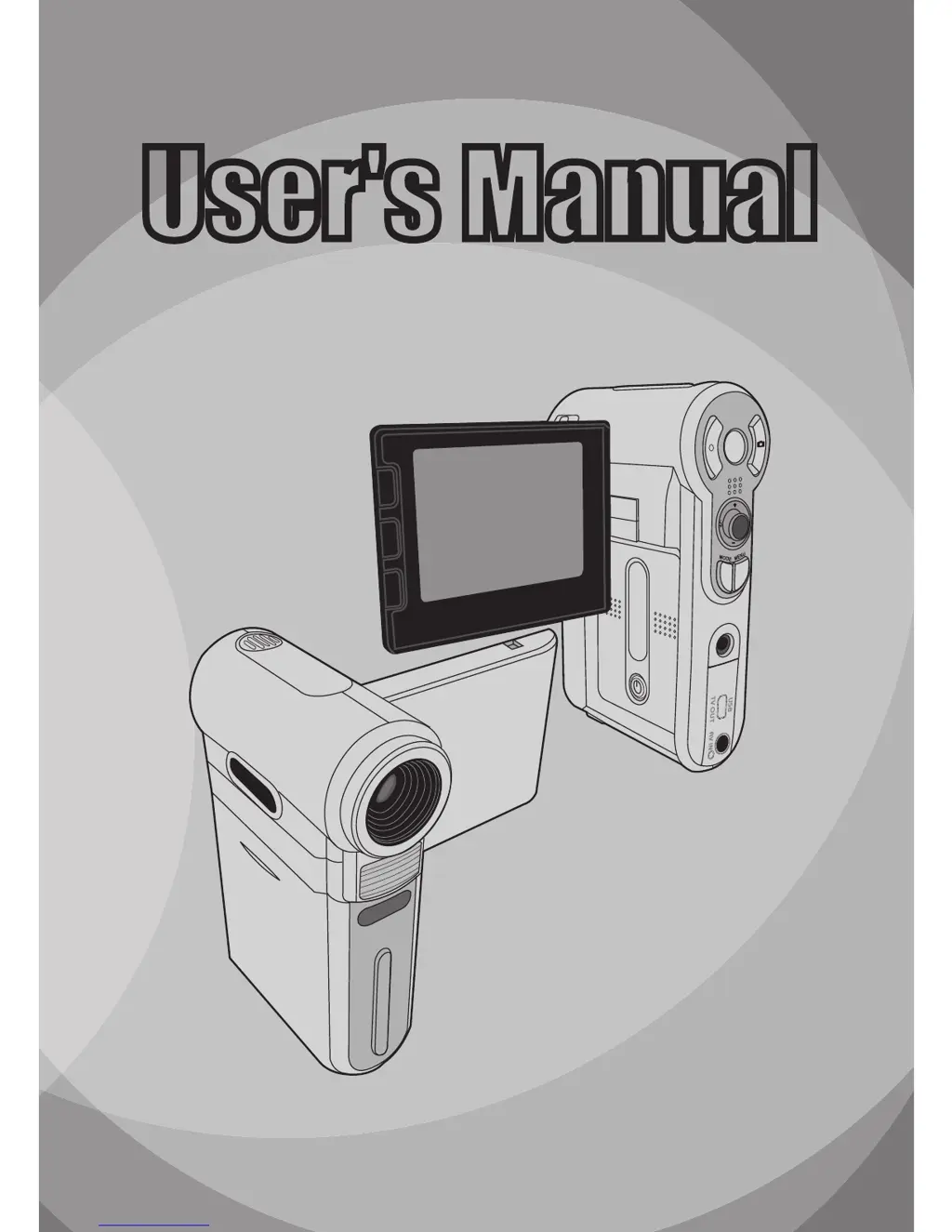
AIPTEK POCKETDV 6800 - User Manual

AIPTEK POCKETDV 6800
62 pages
Print Icon
To Next Page IconTo Next Page
Loading...
82-420-90010v1.0
User's Manual
User's Manual
English

Questions and Answers

  • G
    Gloria KruegerAug 10, 2025
    What to do if my AIPTEK POCKETDV 6800 says 'Memory Full'?
    • Z
      zachary48Aug 10, 2025
      If your AIPTEK Camcorder displays 'Memory Full,' it means the storage is at capacity. To resolve this, either replace the SD/MMC card with a new one or delete files to create more storage space.
  • C
    Chase SchroederAug 15, 2025
    Why does my AIPTEK POCKETDV 6800 say 'Card Error'?
    • L
      Leslie WilsonAug 15, 2025
      If your AIPTEK Camcorder shows a 'Card Error', it means the inserted card might not be compatible. Try using a different card or format the current card to fix this.
  • A
    Angela KramerAug 21, 2025
    What to do if my AIPTEK Camcorder says 'Please Change Battery'?
    • J
      John TownsendAug 21, 2025
      If your AIPTEK Camcorder displays 'Please Change Battery', it means the battery is low. Replace the battery immediately with a new one.
  • P
    Pamela JohnsonAug 28, 2025
    What to do if my AIPTEK POCKETDV 6800 shows 'Memory Error'?
    • D
      Diane LambertAug 28, 2025
      If your AIPTEK Camcorder displays 'Memory Error', it indicates that the camera can't access data in the internal memory. Format the medium to resolve this issue.
  • J
    julie78Sep 3, 2025
    Why does my AIPTEK POCKETDV 6800 say 'File Format Error'?
    • J
      Jaime ObrienSep 3, 2025
      If your AIPTEK Camcorder displays 'File Format Error,' it means the file you're trying to play isn't compatible with the camera.

Summary

Safety Notice

General Handling and Environmental Precautions

Warnings about dropping, water, temperature, sunlight, and careful handling of the camera.

Battery Safety and Maintenance

Precautions for battery usage, specifications, and maintenance for longevity.

Usage and Storage Safety

Warnings about usage during storms and keeping the camera away from infants.

Getting Started

Installing the Battery

Step-by-step guide to insert the camera battery.

Using the Charger

Instructions on how to charge the camera battery.

Basic Operations

Powering the Camera On and Off

Steps to power on and power off the camcorder.

Recording Video Clips

Step-by-step instructions for recording video.

Taking Still Pictures

Steps for capturing still photographs with the camera.

Advanced Operations

Copying Files to PC

Installing the PC Driver

Guide to install the camera driver software on a PC.

Connecting Camera to PC

Steps to establish a connection between camera and PC.

Copying Files to the PC

Instructions for transferring files from camera to PC.

Using PC Camera Functionality

PC Camera Operations

Video Recording and Snapshot

How to record video clips and take still pictures using the PC camera.

Troubleshooting Camera Issues

Power, Display, and Memory Card Problems

Resolving issues with power, LCD display, and memory card errors.

Troubleshooting Connectivity and Software

PC and TV Connection Issues

Resolving problems with PC/TV connection and device conflicts.

Storage Capacity

Camera Specifications

System Requirements for PC Connection

AIPTEK POCKETDV 6800 Specifications

General IconGeneral
BrandAIPTEK
ModelPOCKETDV 6800
CategoryCamcorder
LanguageEnglish

Related product manuals