EasyManua.ls Logo

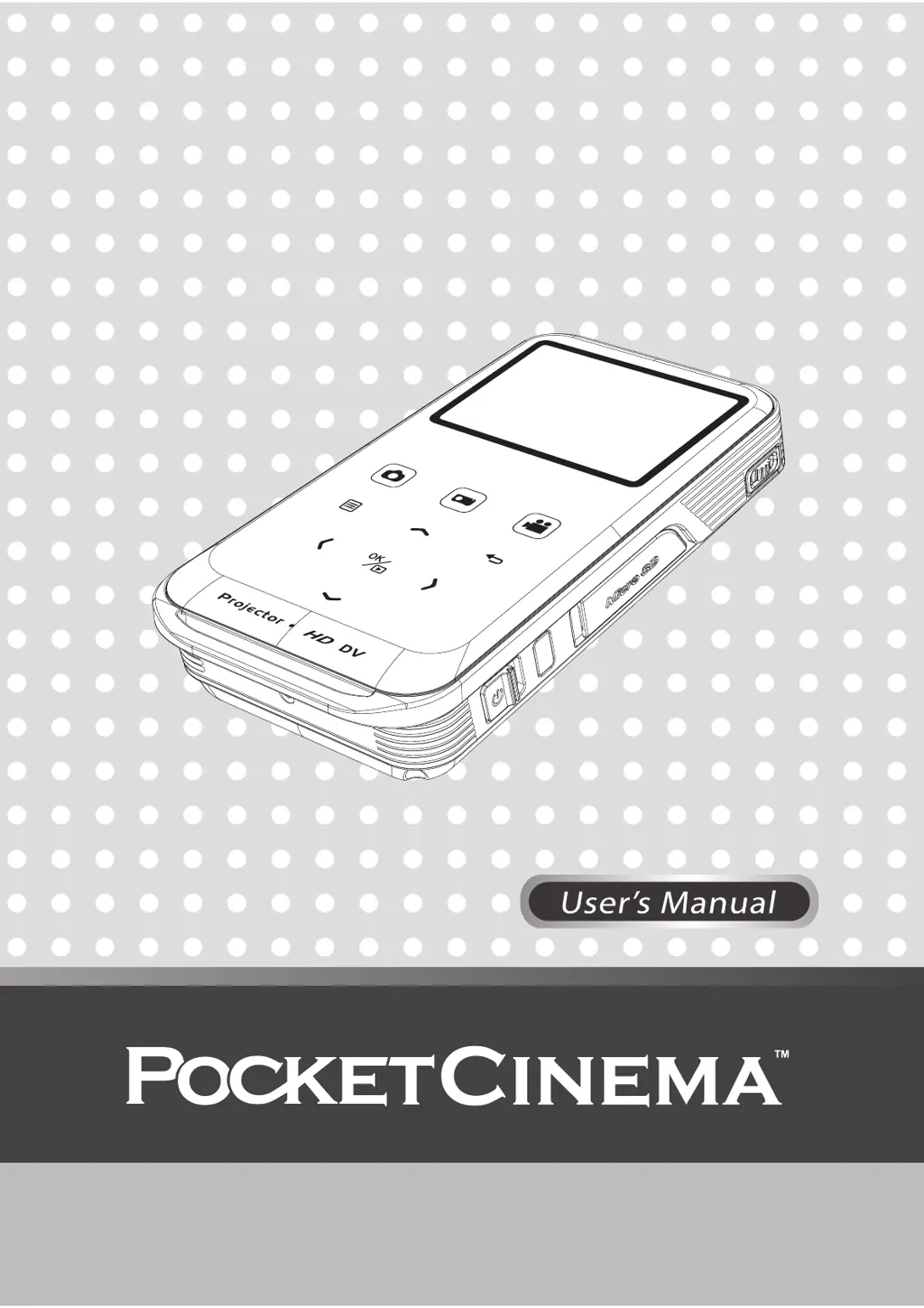
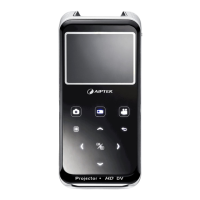
AIPTEK PocketCinema Z20 - User Manual

AIPTEK PocketCinema Z20
28 pages
Print Icon
To Next Page IconTo Next Page
Loading...

Other manuals for AIPTEK PocketCinema Z20

Questions and Answers

  • R
    Ronald CastroAug 17, 2025
    What to do if my AIPTEK Camcorder projector can't be turned on?
    • V
      veronicaparkerAug 17, 2025
      If your AIPTEK Camcorder projector won't turn on, ensure the battery is fully charged or that the AC power adapter is properly connected and in use.
  • M
    Michelle KellyAug 20, 2025
    What to do if no image is projected when my AIPTEK Camcorder is connected to a computer?
    • M
      Margaret SloanAug 20, 2025
      If no image is projected when your AIPTEK Camcorder is connected to a computer: * Check if the USB cable is correctly plugged in. * Ensure that your PC has switched to projector display. * Verify that the display resolution of your PC screen is set to 640x480 or 800x600.
  • F
    fhurleyAug 23, 2025
    What to do if no image is projected when an AV device is connected to my AIPTEK Camcorder?
    • J
      Jasmine BoydAug 23, 2025
      If no image is projected when an AV device is connected to your AIPTEK Camcorder: * Ensure the connected device is equipped with AV-out function. * Check if the AV cable is connected and that the projector is switched to AV-in function. * Verify the AV cable is plugged in correctly.
  • T
    Taylor CarsonAug 26, 2025
    What to do if the image is not played on my AIPTEK Camcorder?
    • A
      Aaron KelleyAug 26, 2025
      If the image is not playing on your AIPTEK Camcorder: * Ensure the image format is compatible. * Try another file or memory card. * Convert the file using the attached AMC software.
  • C
    Caitlin TaylorAug 28, 2025
    Why does the surface temperature of my AIPTEK Camcorder projector increase?
    • S
      Sandra WarrenAug 28, 2025
      The high-luminance LED in your AIPTEK Camcorder projector generates heat during extended use. Operate the projector in a ventilated indoor environment whenever possible.
  • P
    Phillip JenkinsAug 31, 2025
    What to do if no image is projected when my computer is connected to the AIPTEK Projector?
    • C
      catherine59Aug 31, 2025
      If no image is projected when your computer is connected to the AIPTEK Projector: * Check if the USB cable is correctly plugged in. * Ensure your PC has switched to projector display. * Verify the display resolution of your PC screen is set to 640x480 or 800x600.
  • K
    katrina34Sep 3, 2025
    Why is the projected image too dark on my AIPTEK PocketCinema Z20?
    • D
      Daniel ChangSep 3, 2025
      If the projected image from your AIPTEK Projector appears too dark, try these solutions: * Use the projector in a darker environment. * Increase the brightness by using the AC power adapter. * Decrease the size of the projected image.
  • S
    Sarah SmithSep 5, 2025
    What to do if no image is projected when an AV device is connected to my AIPTEK PocketCinema Z20?
    • M
      Michael ShepardSep 5, 2025
      If you're not getting an image when connecting an AV device to your AIPTEK Projector: * Ensure the connected device has AV-out function. * Check that the AV cable is connected, and the projector is switched to AV-in function. * Make sure the AV cable is plugged in correctly.
  • Z
    zrogersSep 8, 2025
    How to fix a dim projected image on my AIPTEK PocketCinema Z20 Projector?
    • M
      Megan JenkinsSep 8, 2025
      If the projected image on your AIPTEK Projector is dim: * Check if the lens is dirty. * Replace with an image of higher resolution.
  • K
    Kayla WareSep 12, 2025
    What to do if the image is not played on my AIPTEK PocketCinema Z20 Projector?
    • B
      Bryan BryantSep 12, 2025
      If your AIPTEK Projector isn't playing the image: * Ensure the image format is compatible. * Try another file or memory card. * Convert the file using the attached AMC software.

AIPTEK PocketCinema Z20 Specifications

General IconGeneral
BrandAIPTEK
ModelPocketCinema Z20
CategoryProjector
LanguageEnglish

Related product manuals