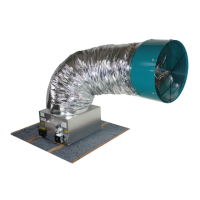
AirScape 1.0 & 1.7 Whole House Fan Installation Manual, 03222018
©AirScape, Inc., 2018. All Rights Reserved.
Page 6
START-UP & OPERATION
Before starting this fan for the rst time, verify that:
1. All wiring and connections have been made according to this manual and acceptable wiring standards, and that
this manual and all local codes and standards have been followed in this fan’s installation;
2. No tools or construction debris have been left in, on, or around the fan;
3. The fan’s power cord has been plugged into a 120-volt outlet with uninterupted power; and,
4. The area in front of the fan is as unobstructed as possible, with no object closer than 24” to the face of the fan.
When running this fan for the rst time, make sure to observe it turning on, running at each of its speed
settings, and turning off from both the attic (to observe the fan itself) and the living space (to observe its
damper door(s)).
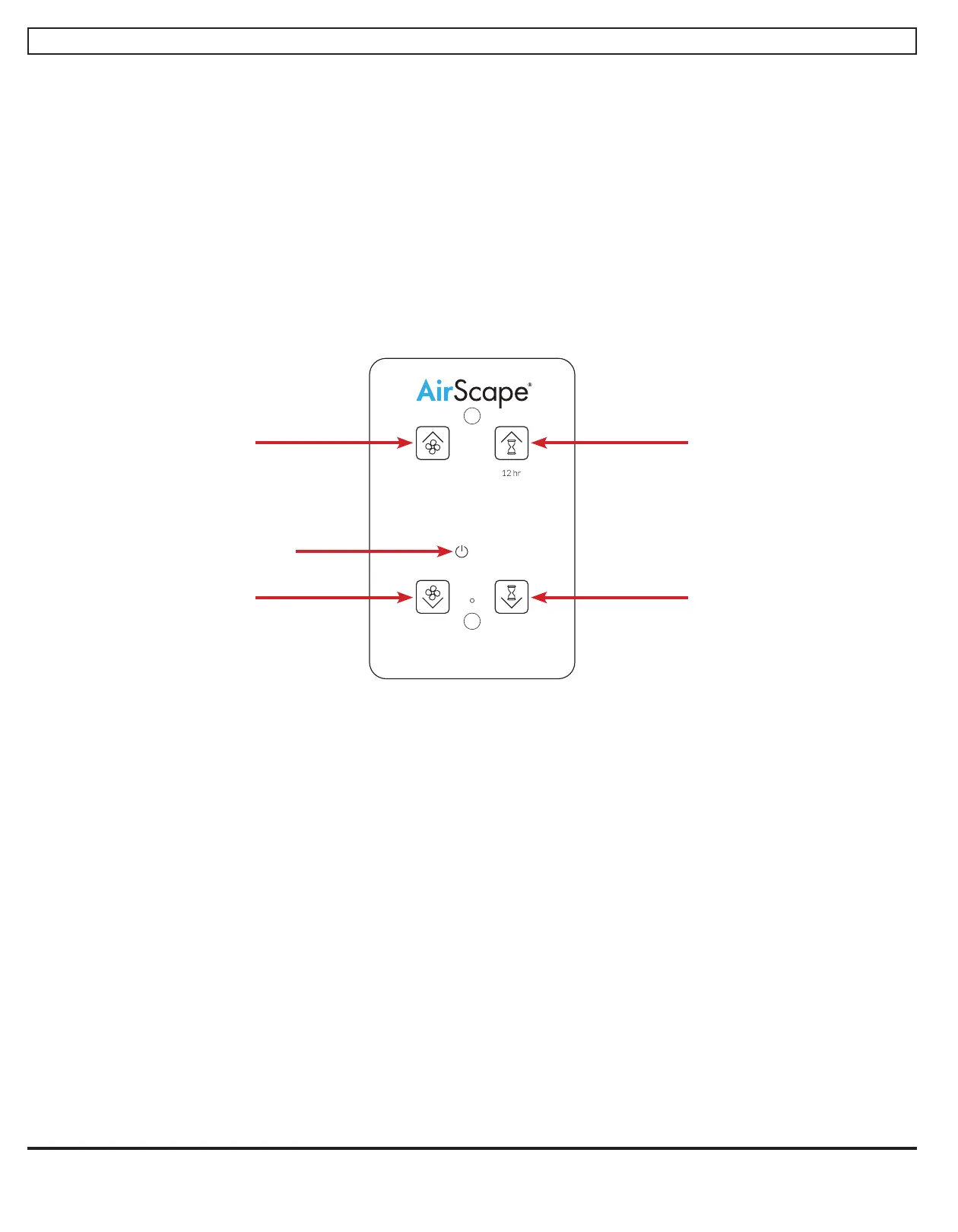
As shown below, there are four buttons on your fan’s control interface:
When the Digital Touch Controller is connected to the fan, and the fan to power, a red LED will illuminate beneath
the Power Indicator shown above. If the Power Indicator is not illuminated, double-check the connections between
the fan and the controller, and between the fan and the power outlet.
The AirScape 1.7 and 1.0 each have two speed settings. Turn on the fan by touching FAN UP or TIMER UP. Its
damper door(s) will open and there will be a 10 second delay before the fan begins to operate. The fan will start at
minimum speed. Green LEDs will illuminate to indicate the speed setting. If the fan was turned on by TIMER UP, the
timer will be set to one hour and blue LEDs will illuminate to indicate the timer setting.
Press or hold FAN UP to increase the fan’s speed to maximum. Press or hold TIMER UP to increase the time on
the timer in one hour increments until the desired time, or the maximum time of 12 hours, is achieved.
If the fan is already operating at minimum speed, touch FAN DOWN/OFF to turn off the fan; any time remaining
on the timer will be canceled. If the fan is at maximum speed, press or hold FAN DOWN/OFF to decrease the
speed to minimum and once again to turn the fan off.
Press or hold TIMER DOWN/CANCEL to reduce the time on the timer in one hour increments until the desired
time is achieved or the timer is canceled. If the timer is canceled, the fan will remain on at its current speed. When
the timer expires, the fan will turn off.
Whenever the fan is turned off, its damper door(s) will close tightly within about 60 seconds.
FAN UP
FAN DOWN
/OFF
TIMER DOWN/
CANCEL
TIMER UP
Power Indicator



 To Next Page
 Loading...