25User Manual | Edition 1, April 2021
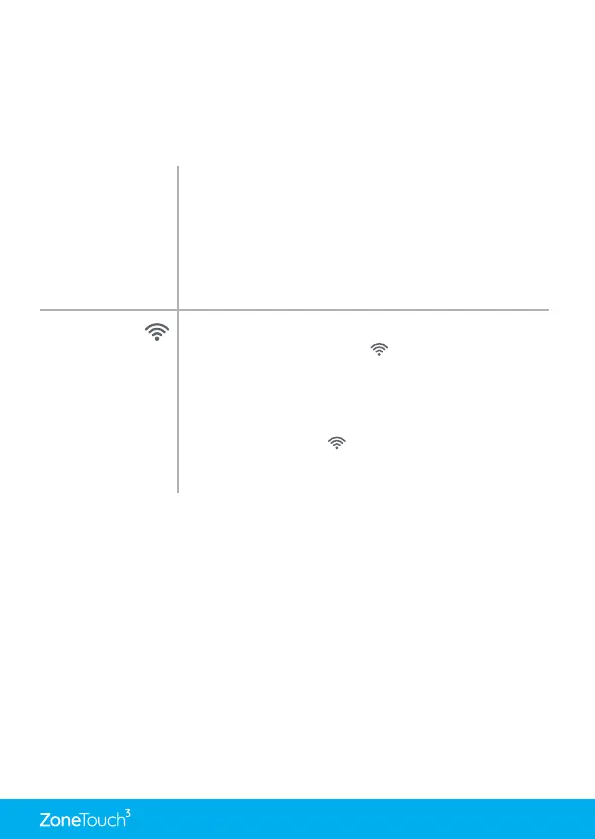
LCD Display
Corrupted
Reset LCD by holding RESET button on the right side
of the console for 2s.
If error is still not resolved, reset console by
unplugging the cable from behind and then reconnect
it after about 15 seconds. If the corrupted display
remains, replace the console.
WiFi symbol
disappeared
from the
touchpad
After a power failure, ZoneTouch 3 will re-connect to
home router and WiFi icon ( ) will be back on in 3
minutes from Power ON.
Turn the wireless router OFF and turn it back ON.
Wait for 3 minutes for the ZoneTouch 3 system to
initialise. If WiFi icon ( ) does not appear, follow WiFi
setup process to re-establish connection between
your home router and ZoneTouch 3.


 To Next Page