EasyManua.ls Logo

AirTurn BT-106 - User Manual

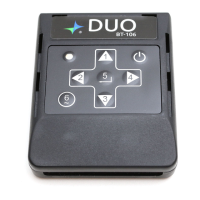
AirTurn BT-106
28 pages
Print Icon
To Next Page IconTo Next Page
Loading...
BT-106 Transceiver
Product Family
Includes DIGIT, DUO,
QUAD, StompKit, StompKit XL and TAP
User Manual
Question and Answer IconNeed help?

Do you have a question about the AirTurn BT-106 and is the answer not in the manual?

Summary

BT-106 Transceiver Overview

Product Description

Details the BT-106 family of controllers, their compatibility with computers and devices, and its physical components.

BT-106 Setup and Pairing Guide

Resetting BT-106 Bluetooth Pairing

BT-106 Modes

Turning Off the BT-106

Changing the BT-106 Mode

BT-106 Key Repeat Function

BT-106 iOS Virtual Keyboard

BT-106 Charging

BT-106 Compatible Switches

Tongue and Bite Switches

BT-106 Troubleshooting: Connection Issues

BT-106 Not Connecting or Pairing

Steps to resolve issues when the BT-106 fails to connect or pair with a host device.

BT-106 Troubleshooting: Functionality Issues

BT-106 Unit Identification

AirTurn DIGIT Product

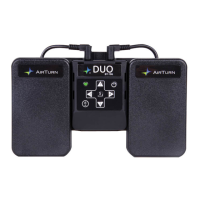
AirTurn DUO Product

AirTurn QUAD Product

AirTurn StompKit Product

AirTurn StompKit XL Product

AirTurn TAP Product

BT-106 Custom Implementation

AirTurn Product Warranty

BT-106 Radio Information

Recycling and Disposal

Safety Warnings

Trademarks

Other AirTurn Products

AirTurn BT-106 Specifications

General IconGeneral
ConnectivityBluetooth
Weight9.6 oz (272 g)
Dimensions7 x 4 x 0.7 in (178 x 102 x 18 mm)
Power SourceRechargeable Battery
CompatibilityiOS, Android

Related product manuals