17
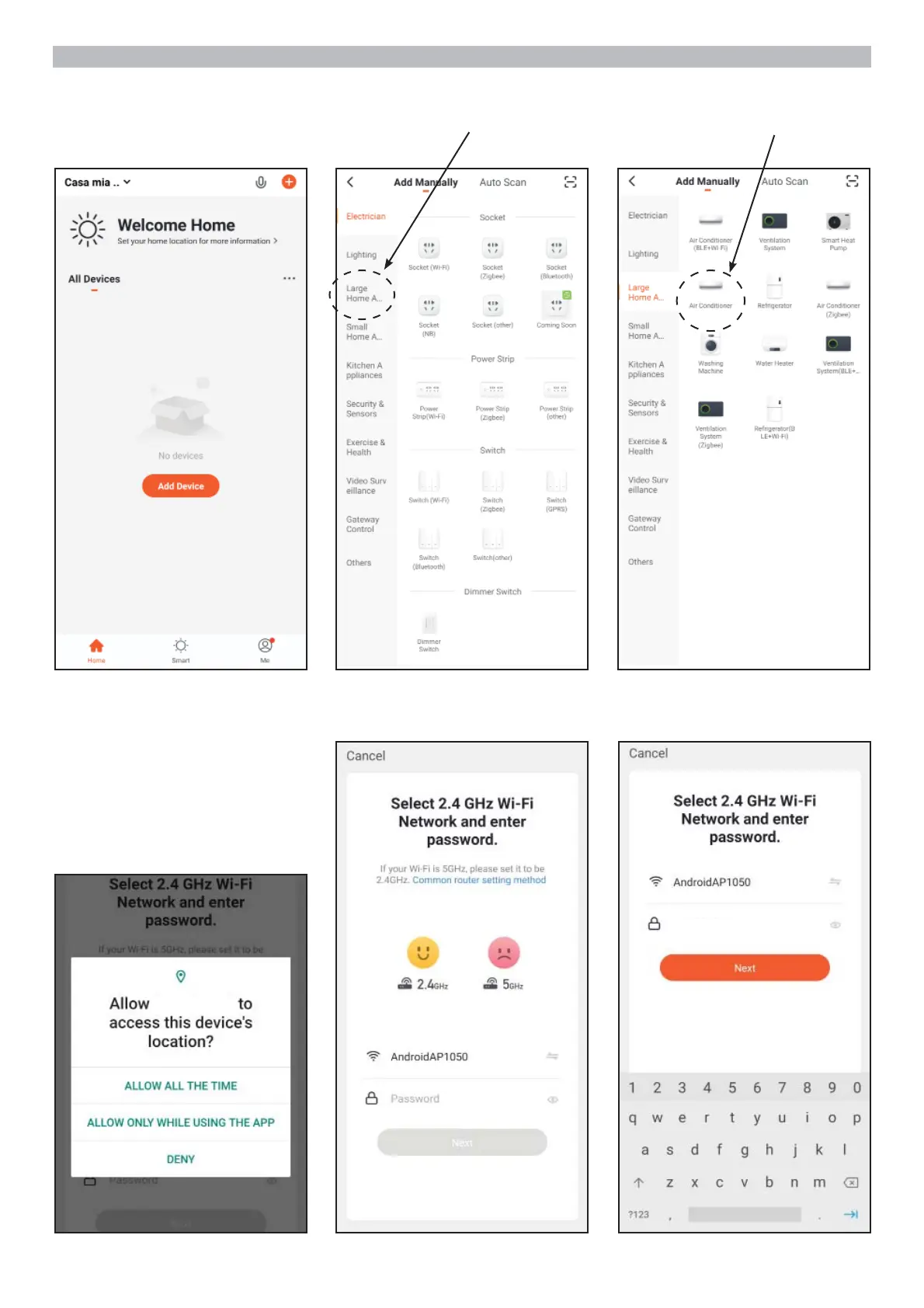
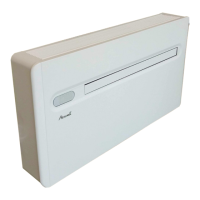
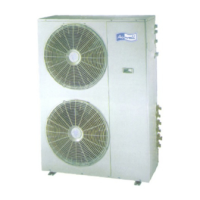
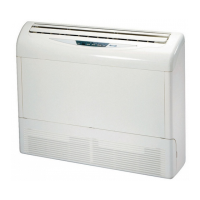
CONNECT XDA TO AIRCONNECT SMART APP
1. Click on
“Add device”
4. After allowing the App to access
the position according to the
desired data, select the Wi-Fi
network to which you want to
connect XDA and enter the
network password
where the unit is
installed, then click on “Next”
xxxx1111
(ESEMPIO)
2. In the left bar select
“Large Home Appliance”
3. In the right area select “”
“Air Conditioner”
the App.


 To Next Page