- 24 -
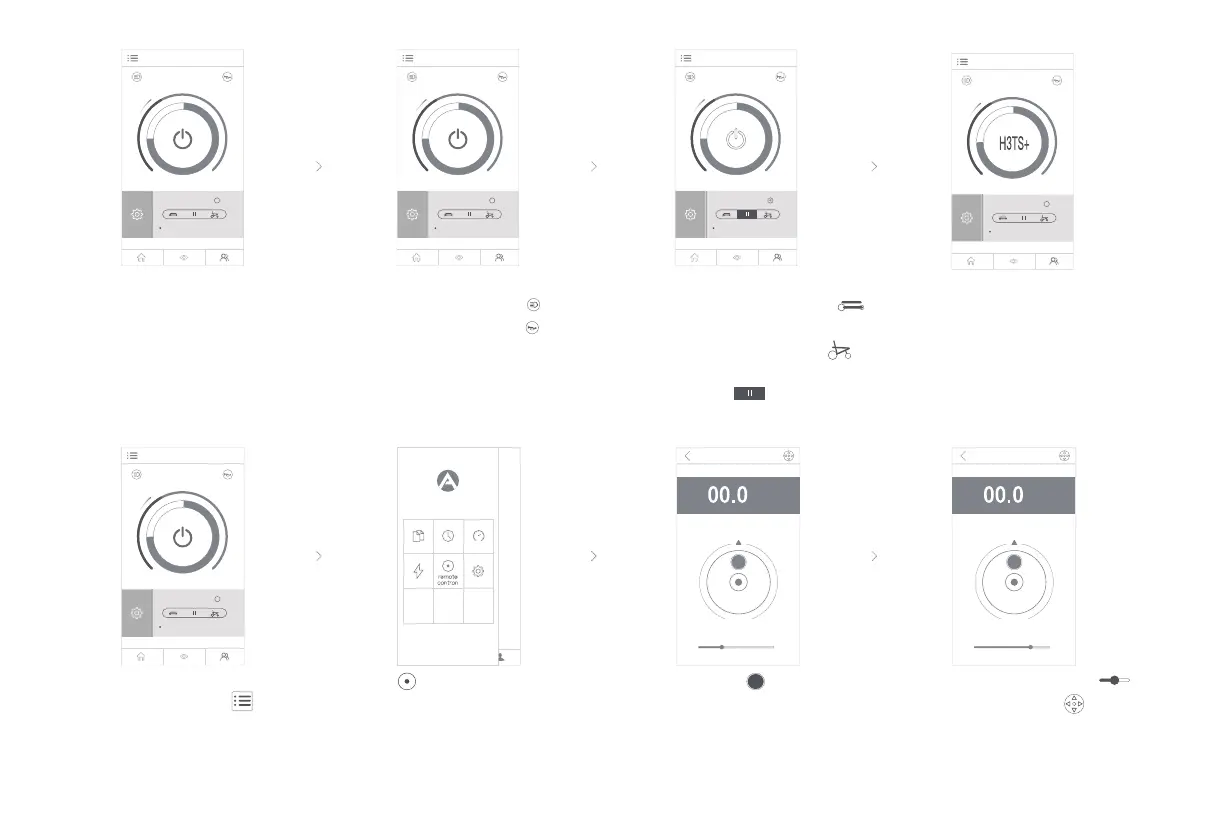
Slide the control speed
and click the icon to
switch to the hand-
operationmode.
Click the main
interface button
to open the sidebar.
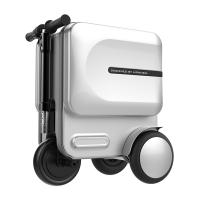
Move the button to operate
the intelligente scooter going
forward, backward or turning.
Click the button in the
sidebar to open the remote
control interface.
Click the headlight button
to turn on the headlight .
Click the buzzer button ,
buzz sound will be heard.
Power on and enter the
home page
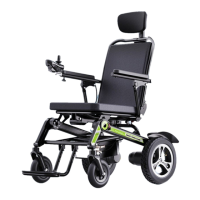
When the icon-H3TS+
showing on the home
page, it means it is
ready to be ridden.
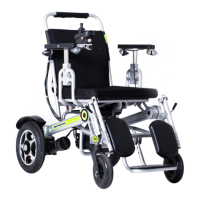
When H3TS+ is powered o,
click the contracting button
and it will contract automatically.
Click the extending button and
it will automatically extend. Click
the stop button , it will stop
contracting or extending.
Exit folding state
System is normal
Exit folding state
System is normal
Exit folding state
System is normal
Exit folding state
System is normal
Exit folding state
System is normal
left
right
km/h
forward
backward
left
right
forward
backward
km/h


 To Next Page